

Your graphics add a nice touch to my presentations and I recently used them for one of my all-hands meetings. Your toolbox adds professionalism to my slides. Instead of using standard clipart.
Claude Jones, Director of Engineer, @Walmartlabs, USA






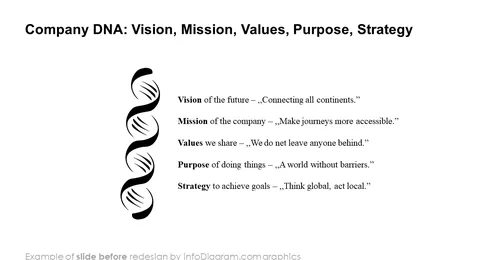
Before and after
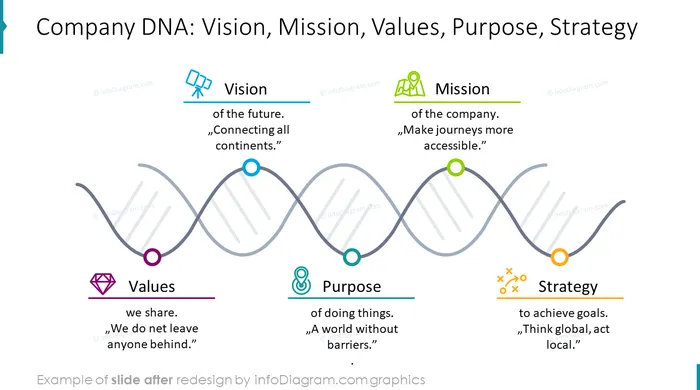

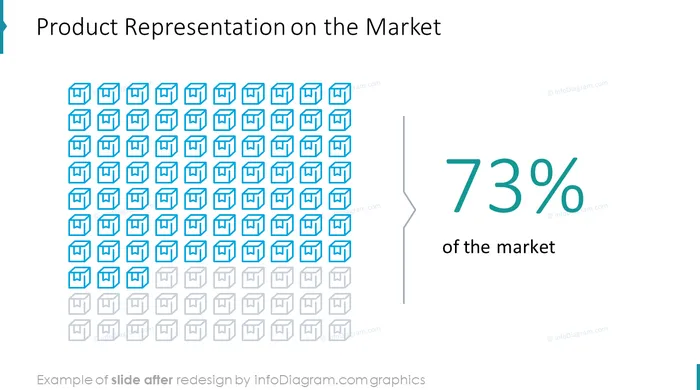

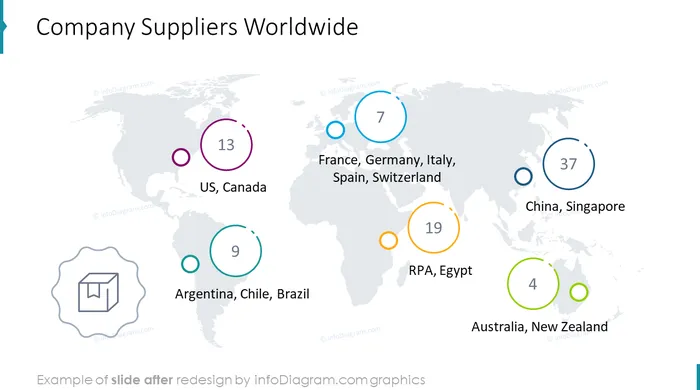
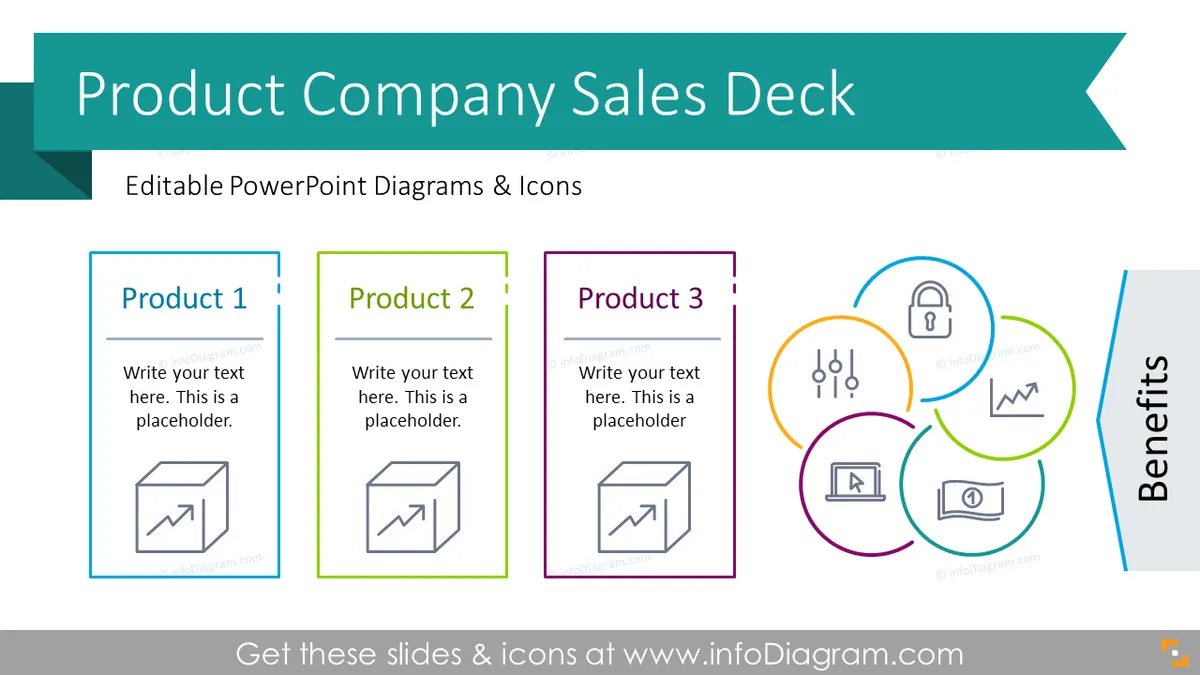
The Sales Presentation Template can be used for making a company sales pitch offering specific or several products. The PowerPoint deck contains Sales Template slides that cover essential sales strategy presentations - from market facts and challenges that your business addresses to exploring the benefits of your solution.
We have designed a set of modern predefined graphic business sales PowerPoint Presentation slides with visuals that help you create a professional PowerPoint Sales Presentation:
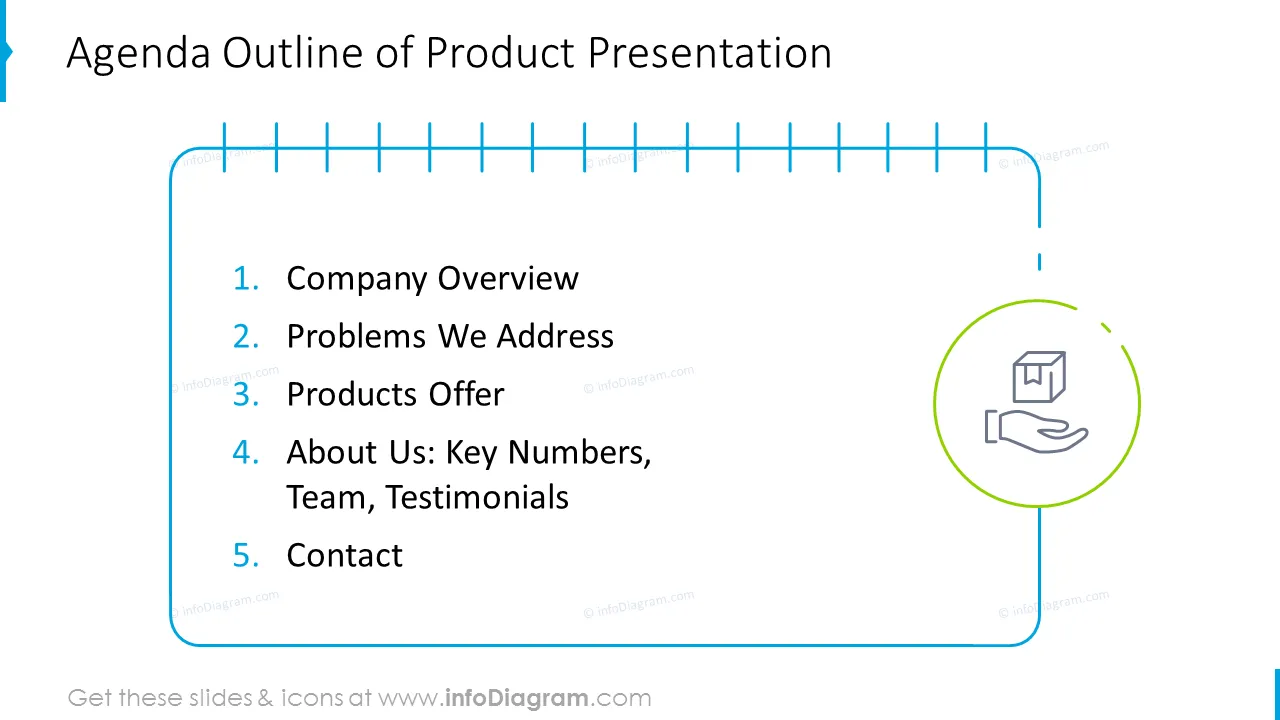
The outline of a good sales pitch presentation should:
Your Sales PowerPoint Template is a unique chance to make a proper impression on your client. These templates include professionally designed Sales PowerPoint Slides with readable content. We propose to use beautiful PowerPoint shapes and iconic graphics that will nicely support your Sales Presentation PPT Template. We suggest using full slide photographs in several key slides to make an impression on new sections or key parts such as an introductory quote or customer testimonials.
If you need more specific icons to illustrate product benefits - check the last sales slides with the icons library. You can extend it by extended icon collection (see Related Diagrams section).
The colors of all text placeholders, text graphics, and icons are fully editable (all graphics in a vector format). So you can change them to the colors of your Sales Presentation Template or business brand.
Product Company Sales Presentation contains ready-to-use slides templates:
Fully editable in PowerPoint set of vector shapes fully editable by using built-in PowerPoint tools, including
See editing demonstration in our HowTo Videos.
Your graphics add a nice touch to my presentations and I recently used them for one of my all-hands meetings. Your toolbox adds professionalism to my slides. Instead of using standard clipart.
Claude Jones, Director of Engineer, @Walmartlabs, USA
I needed a fresh look at some of my slides. I've tried to find a way to create a paintbrush effect, to underline, accentuate, add some color and the handwritten markers were just the things. Very easy to use, easy to size, change the color. It was an affordable, perfect solution and I'm happy to recommend it.
Anonymous, US
The crisp, clean look of the graphics, and the fact that it allowed me to easily edit and change the colors to match the template was my main reason for purchasing them.
Brandie Jenkins, E-learning Developer, USA



You may also need