

Your graphics add a nice touch to my presentations and I recently used them for one of my all-hands meetings. Your toolbox adds professionalism to my slides. Instead of using standard clipart.
Claude Jones, Director of Engineer, @Walmartlabs, USA

Your graphics add a nice touch to my presentations and I recently used them for one of my all-hands meetings. Your toolbox adds professionalism to my slides. Instead of using standard clipart.
Claude Jones, Director of Engineer, @Walmartlabs, USA
I needed a fresh look at some of my slides. I've tried to find a way to create a paintbrush effect, to underline, accentuate, add some color and the handwritten markers were just the things. Very easy to use, easy to size, change the color. It was an affordable, perfect solution and I'm happy to recommend it.
Anonymous, US
The crisp, clean look of the graphics, and the fact that it allowed me to easily edit and change the colors to match the template was my main reason for purchasing them.
Brandie Jenkins, E-learning Developer, USA
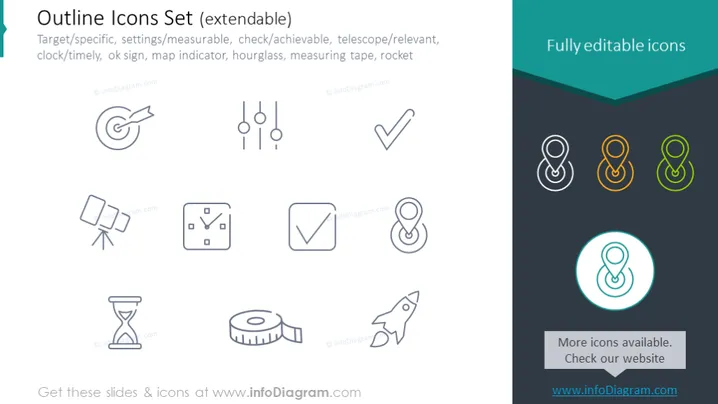
The slide presents a collection of outline icons designed to visually represent different concepts, likely linked to project management or goal setting: Target/specific signifies setting clear objectives; Settings/measurable indicates quantifiable parameters; Check/achievable refers to attainable goals; Telescope/relevant denotes significance or focus; Clock/timely emphasizes timely completion; Ok sign suggests approval or correctness; Map indicator points to location specificity; Hourglass relates to time management; Measuring tape implies quantification of results; Rocket symbolizes launch or rapid progression.
The slide has a minimalist and professional aesthetic, with a clean arrangement of icons and text ensuring clear communication of each concept. The contrasting colors help to draw attention to the "Fully editable icons" feature and the invitation to check for more icons.



