

Your graphics add a nice touch to my presentations and I recently used them for one of my all-hands meetings. Your toolbox adds professionalism to my slides. Instead of using standard clipart.
Claude Jones, Director of Engineer, @Walmartlabs, USA

Your graphics add a nice touch to my presentations and I recently used them for one of my all-hands meetings. Your toolbox adds professionalism to my slides. Instead of using standard clipart.
Claude Jones, Director of Engineer, @Walmartlabs, USA
I needed a fresh look at some of my slides. I've tried to find a way to create a paintbrush effect, to underline, accentuate, add some color and the handwritten markers were just the things. Very easy to use, easy to size, change the color. It was an affordable, perfect solution and I'm happy to recommend it.
Anonymous, US
The crisp, clean look of the graphics, and the fact that it allowed me to easily edit and change the colors to match the template was my main reason for purchasing them.
Brandie Jenkins, E-learning Developer, USA
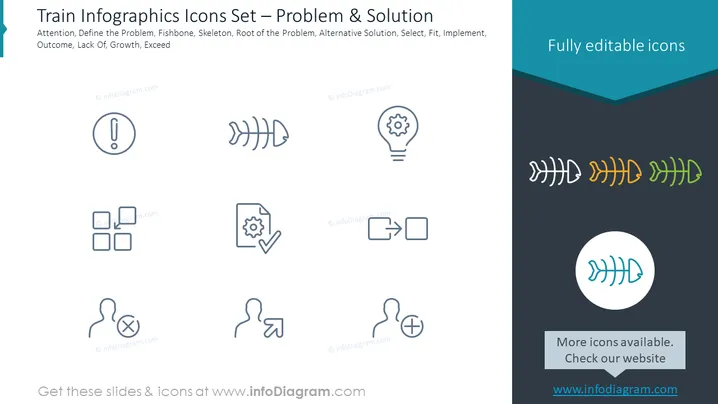
Slide Content: The slide presents a collection of icons themed around problem-solving and solutions in a train-like infographic format. Each icon is paired with a specific concept: "Attention" corresponds to an exclamation mark, suggesting the need for alertness or caution. "Define the Problem" is associated with a stack of blocks, indicating the step to understand and outline the issue. "Fishbone" represents a diagram tool for root cause analysis. "Skeleton, Root of the Problem" implies getting to the underlying systemic issues. "Alternative Solution" denotes considering different options with a gear and check mark. "Select" parallels choosing an option with an arrow pointing at a figure. "Fit" portrays fitting the chosen solution to the problem with puzzle pieces. "Implement" signifies putting the solution into action with arrows indicating forward movement. "Outcome" is connected to a plus symbol, while "Lack Of" uses a minus symbol, both reflecting the results of the problem-solving process. "Growth" and "Exceed" employ the fishbone icon with increasing sizes to suggest development and surpassing targets.
Graphical Look:
The overall look of the slide is clean and unclutter ed, using a minimalistic style that relies on simple line icons and contrasting colors to distinguish between text and graphic elements. The use of color gradients adds visual interest without overwhelming the content.
Use Cases:



