FINANCIAL REPORTS
PPT visuals to present your key numbers
Present Your Topic Visually:
Reviews
Your graphics add a nice touch to my presentations and I recently used them for one of my all-hands meetings. Your toolbox adds professionalism to my slides. Instead of using standard clipart.
I needed a fresh look at some of my slides. I've tried to find a way to create a paintbrush effect, to underline, accentuate, add some color and the handwritten markers were just the things. Very easy to use, easy to size, change the color. It was an affordable, perfect solution and I'm happy to recommend it.
The crisp, clean look of the graphics, and the fact that it allowed me to easily edit and change the colors to match the template was my main reason for purchasing them.
Usage example
Description
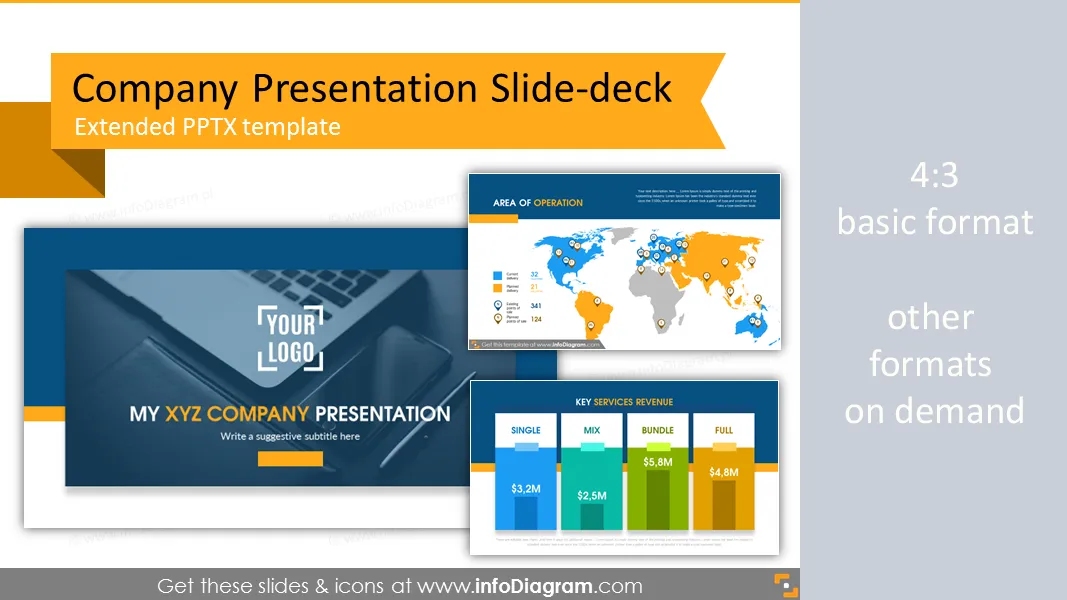
Company presentation template and slide deck with several layouts. Predesigned infographics shapes and slide content.
- 28 slide layouts and 38 icons on 29 slides
- title, agenda, timeline slides
- target customer profile slide layout
- flat icons for simple infographics
- image placeholder for presenting project team, CEO, founders
- fully editable style, size and colors
Content:
Presentation template for company presentation.
PowerPoint template for middle size or bigger corporate company. Source slides for powerful creating business presentation or a company overview.
Package contains:
- Presentation intro - logo and title
- Presentation table of contents with section slides title and notes
- Company statements: vision, goals, mission
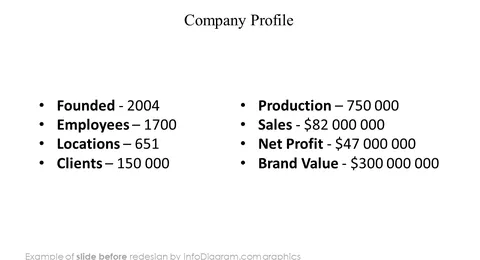
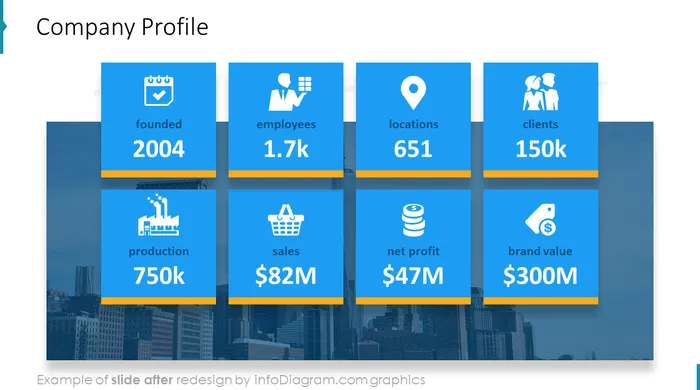
- Detailed company profile: founded, employees, locations, clients, production, sales, net profit, brand value
- Area of operation map
- Three company timeline slides: start and release, solutions and debute, awards and new products
- Founder and CEO profile
- Key products and products sales information
- Key services and services revenue information
- Company's website information
- New product development
- Project team with place for photos and profile information
- Two key points slides with place for notes
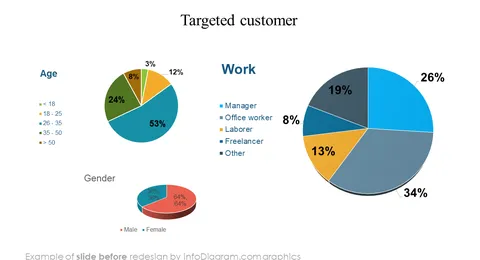
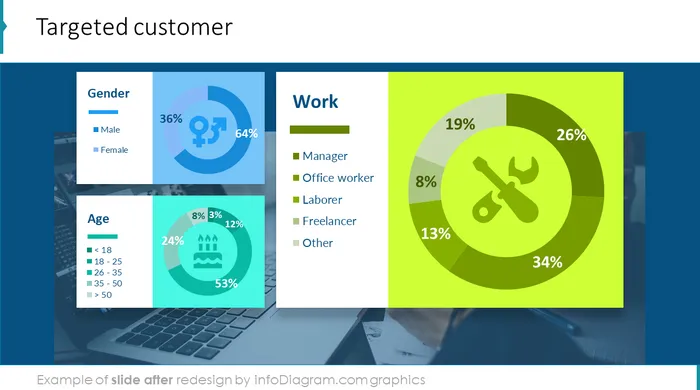
- Four slides with targeted customer - detailed information and profile: income, gender, age, work, interests
- Project schedule - timeline
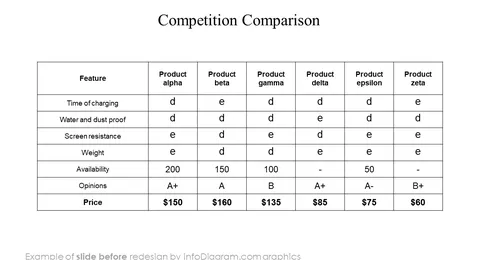
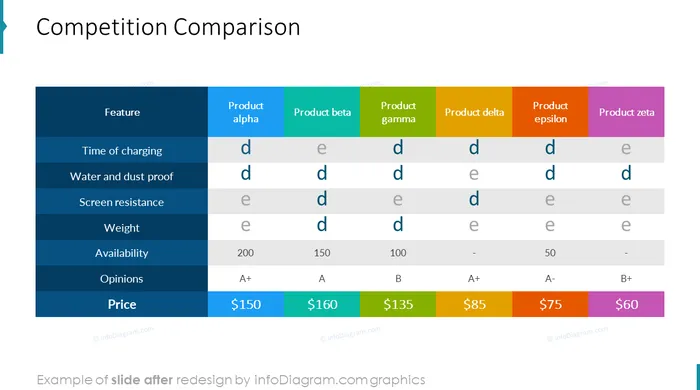
- Competition comparison table
- Plain text: single and double column
Fully editable in PowerPoint, including
- editing texts
- changing fill color, size for elements
- editing charts (data and look)
Authors
- InfoDiagram designer, Oliwer Hawlicki Contact via infoDiagram.com
Slides included in this PowerPoint Presentation:
- My company presentation title slide
- Table of contents
- Section of my presentation
- Company statements
- Company profile: founded, employees, locations
- Area of operation
- Business Timeline
- Business Timeline
- Business project timeline
- Founder and CEO
- Key products
- Key products sales
- Key services
- Key services revenue
- Key services
- Key services revenue
- On the web
- New product development
- Project team
- Key points
- Key points
- Targeted customer
- Targeted customer
- Targeted customer
- Targeted customer
- Project schedule
- Competition comparison
- Plain text – single column
- Plain text – two columns
- Thank you for your attention
How to Edit
How to edit text & colors

How to expand / shorten diagram

How to Replace Icons in infoDiagram PPT