

Your graphics add a nice touch to my presentations and I recently used them for one of my all-hands meetings. Your toolbox adds professionalism to my slides. Instead of using standard clipart.
Claude Jones, Director of Engineer, @Walmartlabs, USA


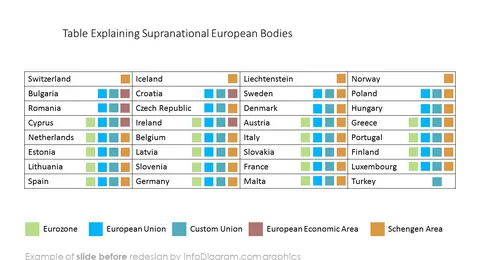
Before and after
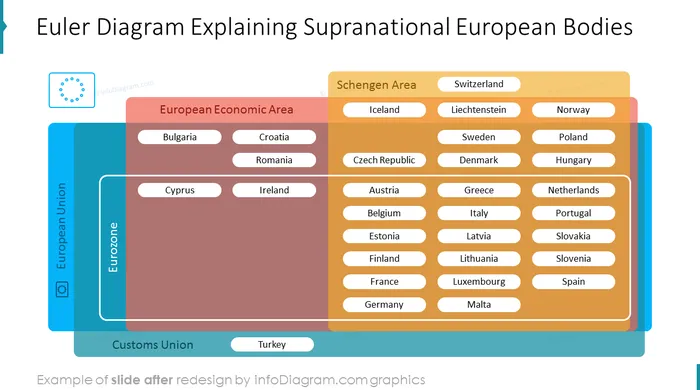
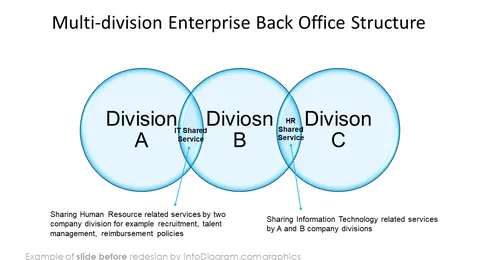
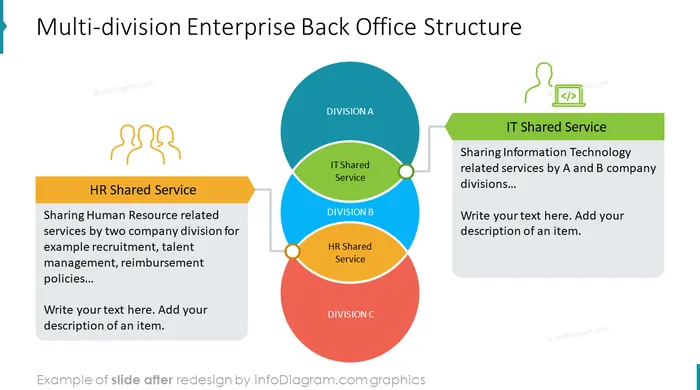
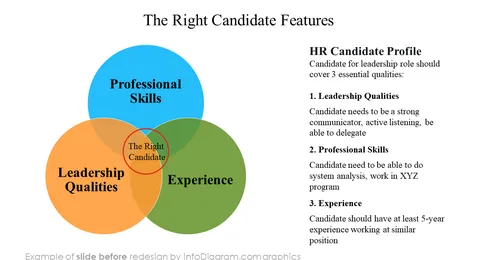

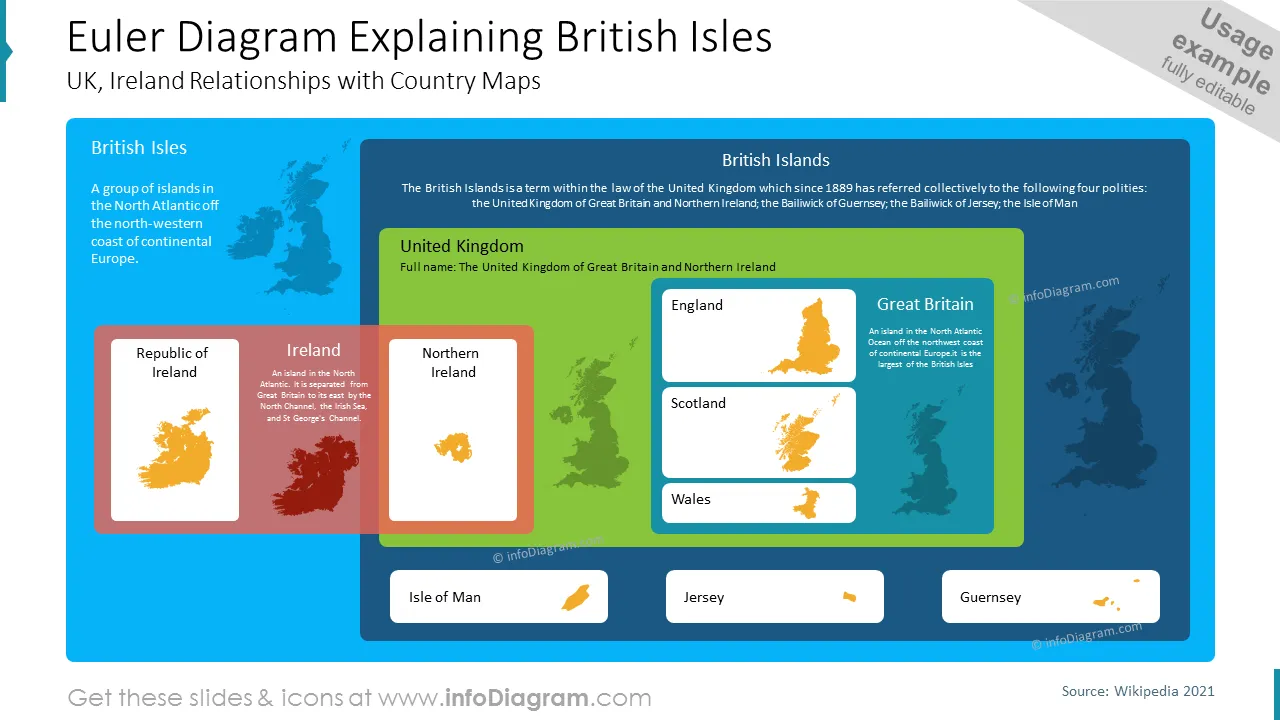
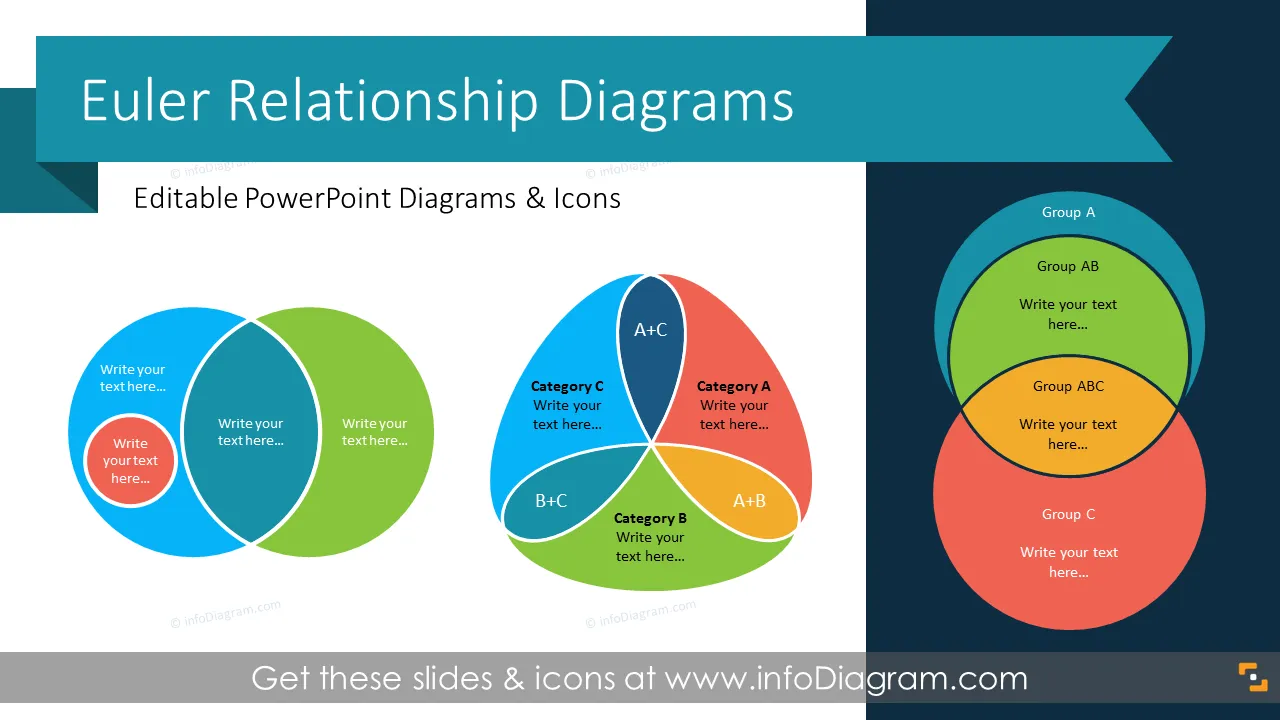
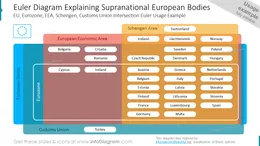
Do you want your audience to understand a complicated piece of information, including relationships between sets or groups? Use our Euler Diagram templates to depict various kinds of data and information.
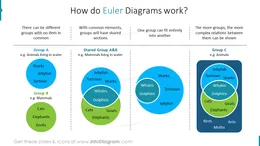
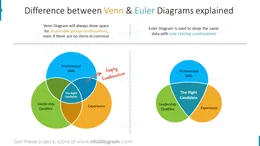
An Euler diagram is a visual way to present relations among objects by drawing a set of shapes (circles, ovals, rectangles). The location of shapes represents relationships among several parameters or variables. They are similar to Venn diagrams, however, the Euler diagram presents only relevant relationships, while Venn diagrams show all possible overlapping possibilities. Euler diagrams are particularly useful for explaining complex hierarchies and overlapping definitions. By this visualization method, you represent exclusion, containment, and the intersection of sets in an intuitive manner.
If you need to show relationships between various concepts or elements in your business report or presentation use our predesigned Euler diagrams. You can visualize large databases involving multiple classifications. Euler diagrams will help you include, exclude, and intersect results in simple visual schematics supporting your analysis and conclusions that may be evaluated by the audience.
You can reuse our predesigned Euler diagrams and tailor them to your needs to upgrade your presentation. The majority of our templates have a space for your text/comments, so it is very easy to extend the presented ideas. We also include detailed instructions on how to alter the content, colors, look, and feel of the slides.
Using Euler diagrams will help you organize information in a logical and good-looking way via powerful visualization.
Try using those PowerPoint illustrations to present your content visually in an elegant way.
All graphics are editable, so you can modify the colors and text. We also added a general icon collection at the end of the presentation deck. Optionally you can also extend the collection by more PPT symbols (see Related Diagrams section).
Fully editable in PowerPoint set of vector shapes fully editable by using built-in PowerPoint tools, including
See editing demonstration in our HowTo Videos.
Your graphics add a nice touch to my presentations and I recently used them for one of my all-hands meetings. Your toolbox adds professionalism to my slides. Instead of using standard clipart.
Claude Jones, Director of Engineer, @Walmartlabs, USA
I needed a fresh look at some of my slides. I've tried to find a way to create a paintbrush effect, to underline, accentuate, add some color and the handwritten markers were just the things. Very easy to use, easy to size, change the color. It was an affordable, perfect solution and I'm happy to recommend it.
Anonymous, US
The crisp, clean look of the graphics, and the fact that it allowed me to easily edit and change the colors to match the template was my main reason for purchasing them.
Brandie Jenkins, E-learning Developer, USA



You may also need