
Cover and narrative setup

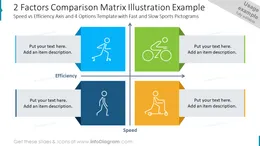
Deck preview
This template does not have a dedicated before/after case study, so we show the strongest slides from the actual deck instead.
Cover and narrative setup
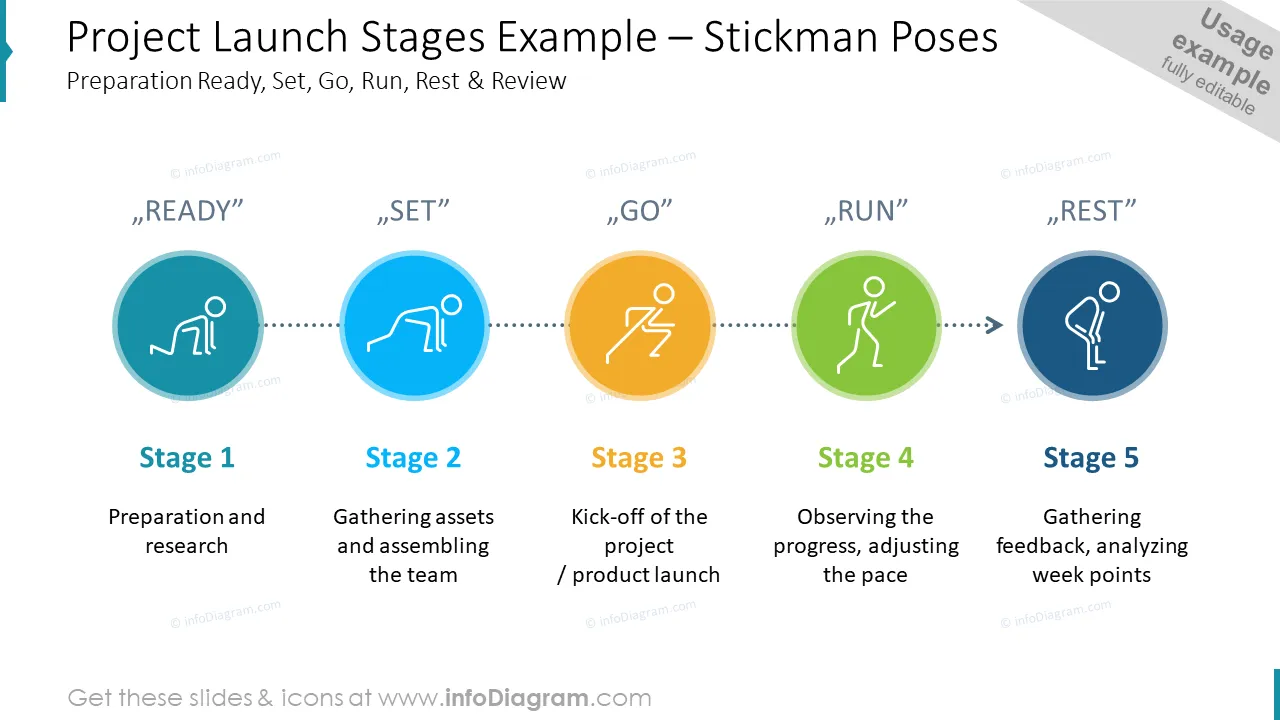
Core structure and talking points
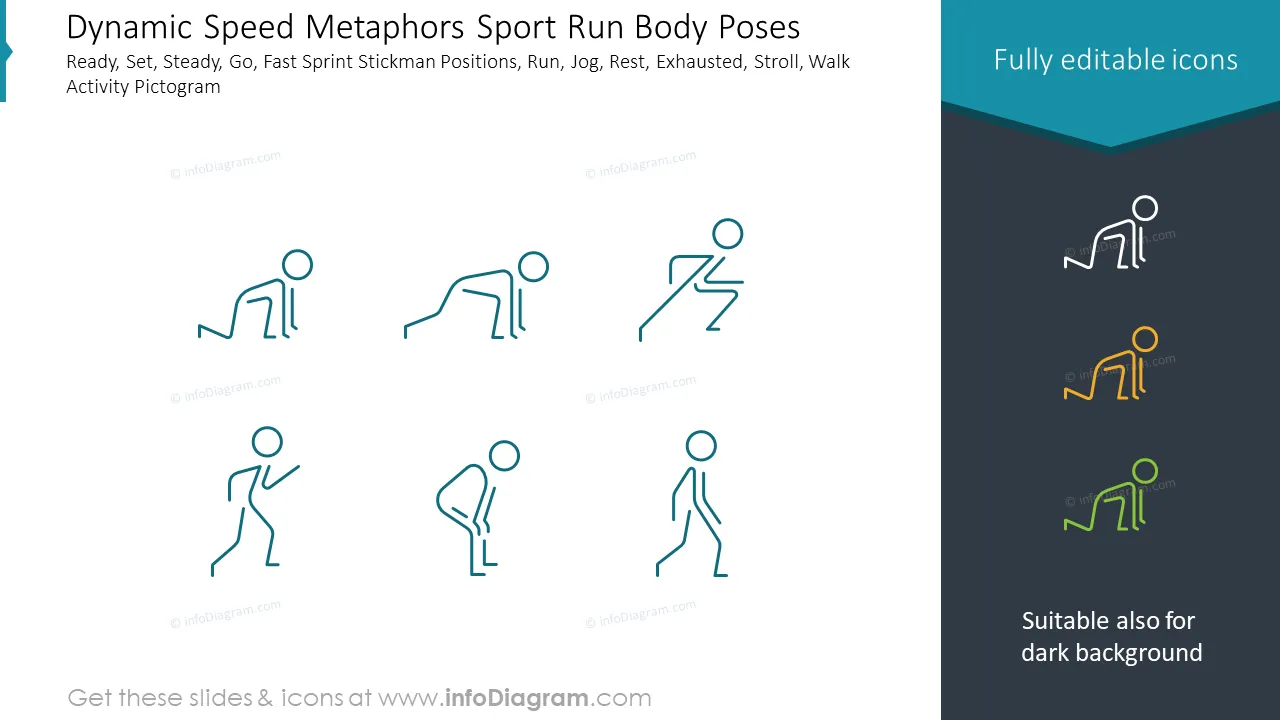
Polished visual slide from the deck
Want to add a human touch to your presentation? Our people activities & poses icons will help you to convey your business ideas in an effective and very special way. This will create a meaningful link between the metaphorical meaning of our icons and the ideas expressed in the content.
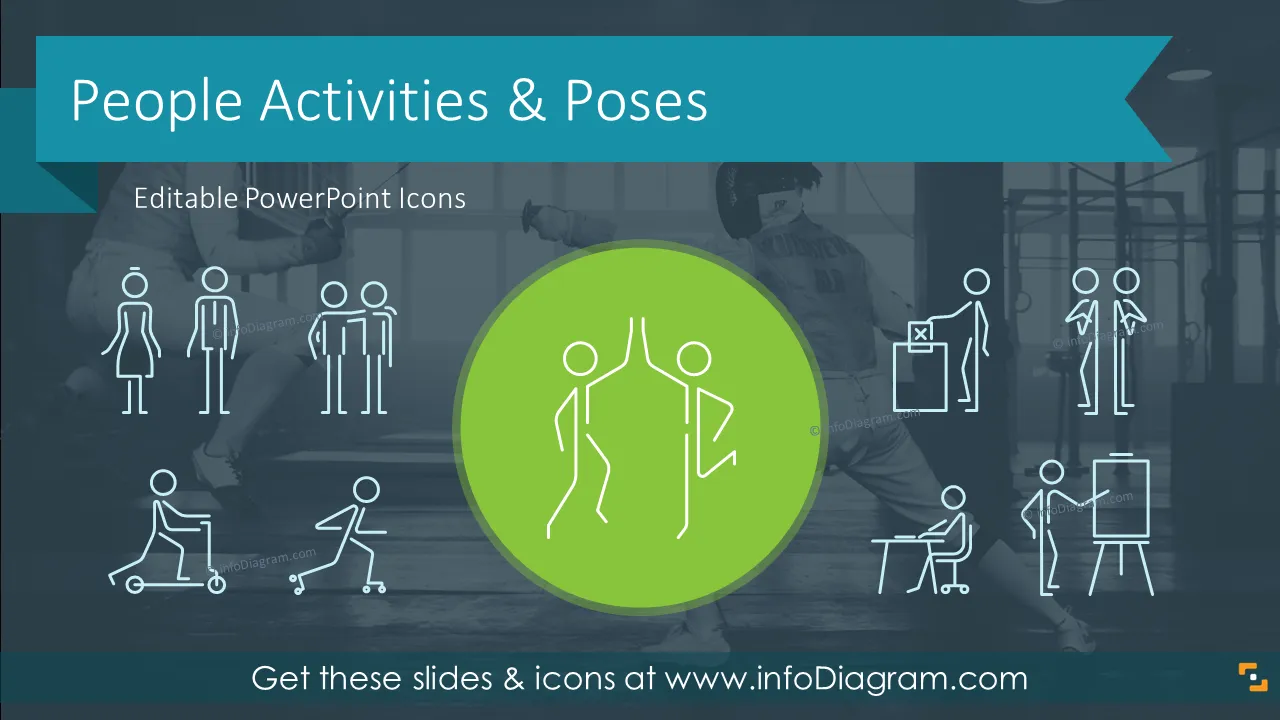
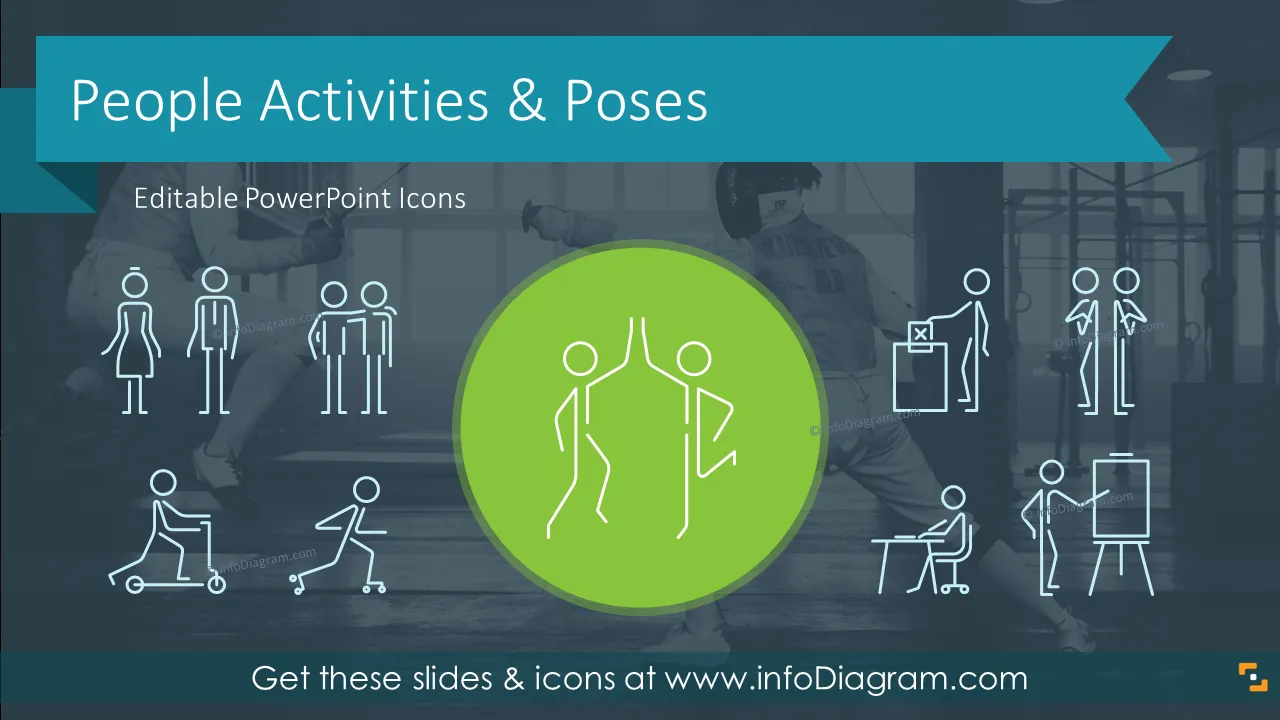
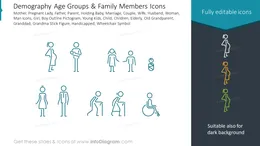
This Pictogram set of People Activities and Poses icons collection contains:
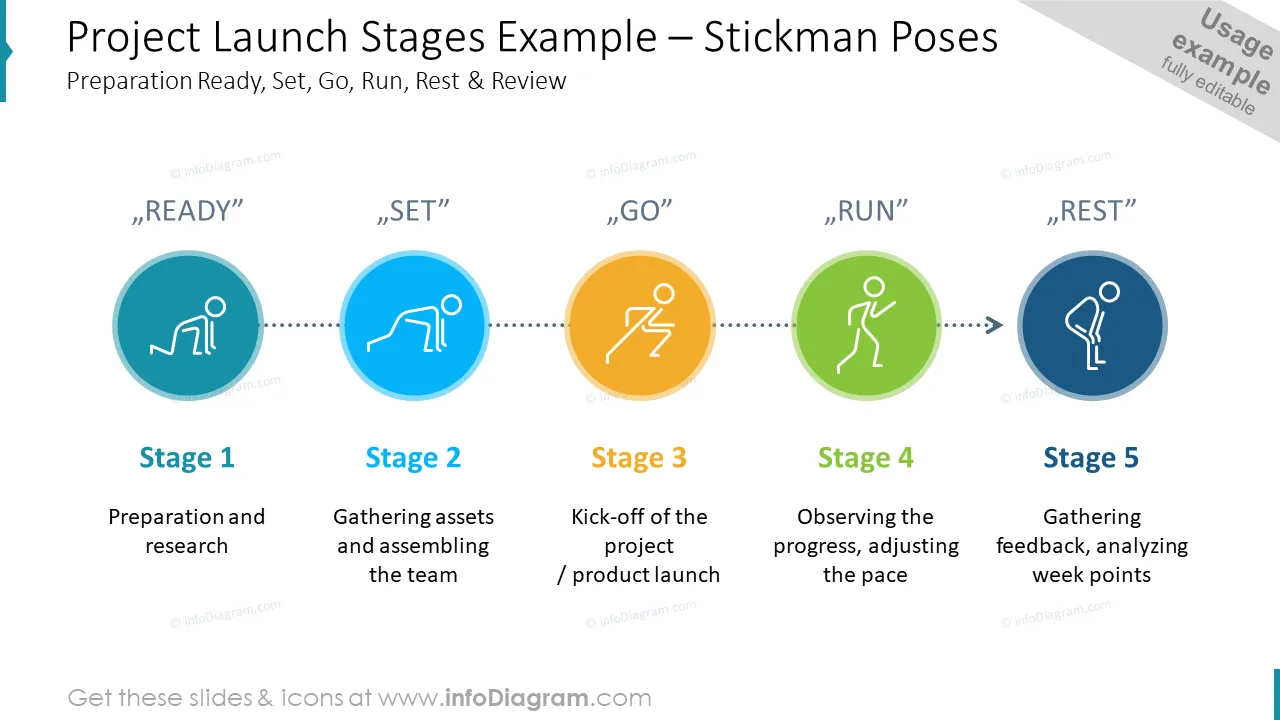
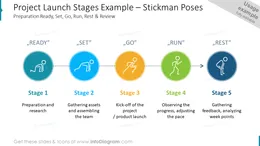
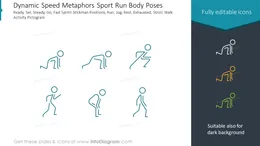
A simple visual symbol resembling made of lines for the body, hand and legs, and head circle. Such a stickman picture represents a human body in various poses - standing, sitting, jumping. It’s a universal pictogram used to illustrate emotions and activities.
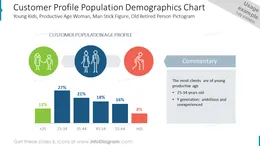
People icons are found to be particularly convenient to express ideas since their physical characteristics are open for interpretation. They can be used for different purposes such as demographics characteristics, business situation descriptions, project development visualization and many more. They are conceptual elements aimed at representing a unique idea or a strong concept.
Stick figure icons, thanks to their unique human touch, can be easily remembered and may play a vital role in your presentations. They are very powerful and, in many cases, can stand up for the text visually explaining some functions, activities, and categories in a comprehensive and dynamic way.
We provide you with the predesigned deck including people activities and poses icons together with some usage examples. All people shapes are easy to modify and can be used with light or dark backgrounds. We include detailed instructions on how to alter the content, colors, and look and feel of the slides.
Using our predesigned people activities and poses icons set will enhance usability and readability of your slides.
Try using those PowerPoint illustrations to present your content visually in an elegant way.
All graphics are editable, so you can modify the colors and text. We also added a general icon collection at the end of the presentation deck. Optionally you can also extend the collection by more PPT symbols (see Related Diagrams section).
Fully editable in PowerPoint set of vector shapes fully editable by using built-in PowerPoint tools, including
See editing demonstration in our HowTo Videos.

Your graphics add a nice touch to my presentations and I recently used them for one of my all-hands meetings. Your toolbox adds professionalism to my slides. Instead of using standard clipart.
Claude Jones, Director of Engineer, @Walmartlabs, USA
I needed a fresh look at some of my slides. I've tried to find a way to create a paintbrush effect, to underline, accentuate, add some color and the handwritten markers were just the things. Very easy to use, easy to size, change the color. It was an affordable, perfect solution and I'm happy to recommend it.
Anonymous, US
The crisp, clean look of the graphics, and the fact that it allowed me to easily edit and change the colors to match the template was my main reason for purchasing them.
Brandie Jenkins, E-learning Developer, USA



You may also need