

Your graphics add a nice touch to my presentations and I recently used them for one of my all-hands meetings. Your toolbox adds professionalism to my slides. Instead of using standard clipart.
Claude Jones, Director of Engineer, @Walmartlabs, USA

Your graphics add a nice touch to my presentations and I recently used them for one of my all-hands meetings. Your toolbox adds professionalism to my slides. Instead of using standard clipart.
Claude Jones, Director of Engineer, @Walmartlabs, USA
I needed a fresh look at some of my slides. I've tried to find a way to create a paintbrush effect, to underline, accentuate, add some color and the handwritten markers were just the things. Very easy to use, easy to size, change the color. It was an affordable, perfect solution and I'm happy to recommend it.
Anonymous, US
The crisp, clean look of the graphics, and the fact that it allowed me to easily edit and change the colors to match the template was my main reason for purchasing them.
Brandie Jenkins, E-learning Developer, USA
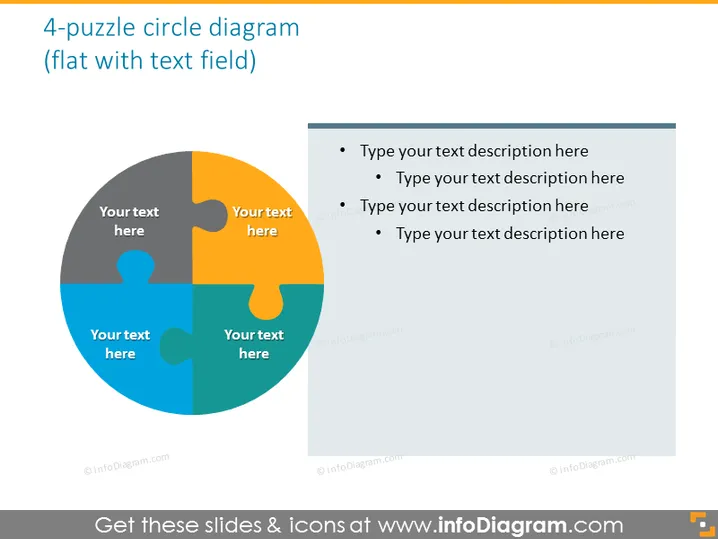
The slide displays a 4-piece puzzle circle diagram indicating interconnected components. Each puzzle piece is assigned a different color and place for text, suggesting that the user can annotate each section with relevant information. The right side features a grey text box with bullet points, prompting users to type detailed descriptions correlating with each of the four puzzle sections. These representations typically serve to symbolize the integration of ideas or the need for various elements to complete a concept or project.
The overall look of the slide is clean and professional, utilizing a vibrant color palette that draws attention to each section of the puzzle graphic. The design promotes engagement and interaction by encouraging the audience to consider how the pieces of the puzzle metaphorically fit together.



