

Your graphics add a nice touch to my presentations and I recently used them for one of my all-hands meetings. Your toolbox adds professionalism to my slides. Instead of using standard clipart.
Claude Jones, Director of Engineer, @Walmartlabs, USA

Your graphics add a nice touch to my presentations and I recently used them for one of my all-hands meetings. Your toolbox adds professionalism to my slides. Instead of using standard clipart.
Claude Jones, Director of Engineer, @Walmartlabs, USA
I needed a fresh look at some of my slides. I've tried to find a way to create a paintbrush effect, to underline, accentuate, add some color and the handwritten markers were just the things. Very easy to use, easy to size, change the color. It was an affordable, perfect solution and I'm happy to recommend it.
Anonymous, US
The crisp, clean look of the graphics, and the fact that it allowed me to easily edit and change the colors to match the template was my main reason for purchasing them.
Brandie Jenkins, E-learning Developer, USA
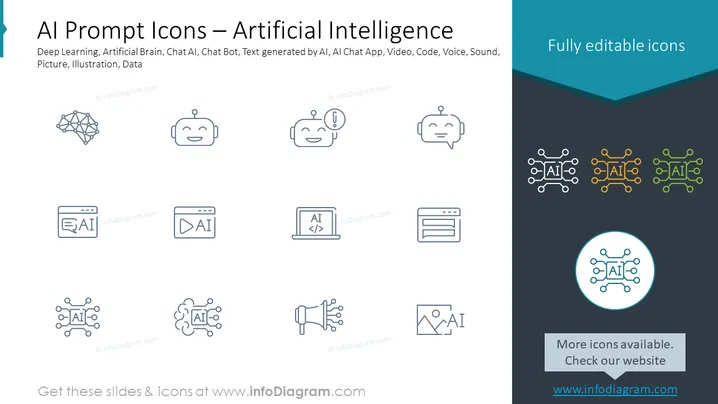
The PowerPoint slide titled "AI Prompt Icons – Artificial Intelligence" covers a range of icons related to AI technology. These icons represent concepts such as Deep Learning (complex algorithms learning from data), Artificial Brain (mimicking human cognition), Chat AI and Chat Bot (communication interfaces powered by AI), Text generated by AI (automated content creation), AI Chat App (messaging applications utilizing AI), Video (media content analysis or creation by AI), Code (AI programming and algorithms), Voice and Sound (speech recognition and generation), Picture (image recognition or generation by AI), Illustration (visual content creation by AI), and Data (information processed by AI).
The slide presents a clean and modern design, with a balanced use of space and contrasting colors to create visual interest. The icons are evenly spaced and have a uniform style to ensure coherence across the slide.



