Your graphics add a nice touch to my presentations and I recently used them for one of my all-hands meetings. Your toolbox adds professionalism to my slides. Instead of using standard clipart.
Claude Jones, Director of Engineer, @Walmartlabs, USA
Your graphics add a nice touch to my presentations and I recently used them for one of my all-hands meetings. Your toolbox adds professionalism to my slides. Instead of using standard clipart.
Claude Jones, Director of Engineer, @Walmartlabs, USA
I needed a fresh look at some of my slides. I've tried to find a way to create a paintbrush effect, to underline, accentuate, add some color and the handwritten markers were just the things. Very easy to use, easy to size, change the color. It was an affordable, perfect solution and I'm happy to recommend it.
Anonymous, US
The crisp, clean look of the graphics, and the fact that it allowed me to easily edit and change the colors to match the template was my main reason for purchasing them.
Brandie Jenkins, E-learning Developer, USA
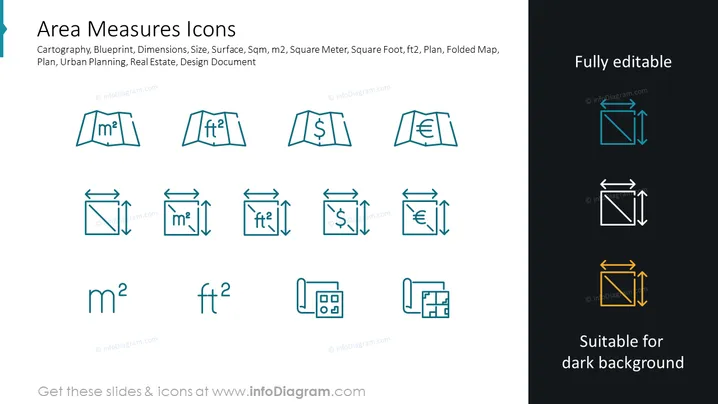
The PowerPoint slide titled "Area Measures Icons" provides an array of symbols related to measuring area, relevant to various professional fields. It includes icons such as cartography and blueprint symbols, that indicate mapping and architectural design; dimensions and size icons, which are self-explanatory; surface symbols, likely for surface area calculations; representations for square meters (m^2) and square feet (ft^2), as common area units; and references to urban planning, real estate, and design documents, indicating the practical applications of these icons.
The overall look of the slide is modern and professional, with a focus on clarity and usability. The icons are designed to be instantly recognizable for their intended purpose, which facilitates their use in business or technical presentations.




