

Your graphics add a nice touch to my presentations and I recently used them for one of my all-hands meetings. Your toolbox adds professionalism to my slides. Instead of using standard clipart.
Claude Jones, Director of Engineer, @Walmartlabs, USA

Your graphics add a nice touch to my presentations and I recently used them for one of my all-hands meetings. Your toolbox adds professionalism to my slides. Instead of using standard clipart.
Claude Jones, Director of Engineer, @Walmartlabs, USA
I needed a fresh look at some of my slides. I've tried to find a way to create a paintbrush effect, to underline, accentuate, add some color and the handwritten markers were just the things. Very easy to use, easy to size, change the color. It was an affordable, perfect solution and I'm happy to recommend it.
Anonymous, US
The crisp, clean look of the graphics, and the fact that it allowed me to easily edit and change the colors to match the template was my main reason for purchasing them.
Brandie Jenkins, E-learning Developer, USA
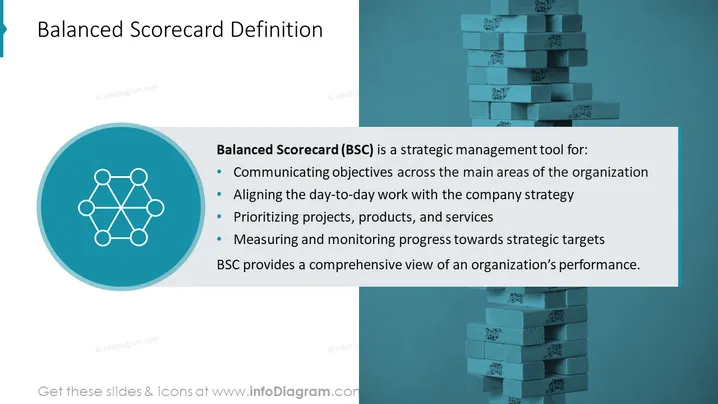
Balanced Scorecard (BSC) is a strategic management tool designed for several key purposes within an organization. It is used for communicating objectives across the main areas of the organization, which means sharing goals and expectations across different departments. BSC is also aimed at aligning the day-to-day work with the company strategy, ensuring that daily operations support larger strategic goals. Furthermore, it involves prioritizing projects, products, and services, which helps management focus on the most important initiatives. Lastly, BSC is about measuring and monitoring progress towards strategic targets, providing feedback and accountability. Overall, BSC offers a holistic view of organizational performance.
The slide has a modern and professional look, with a strong contrast between text and background for easy readability. The use of icons and colored bullet points also helps in visually organizing the information.



