

Your graphics add a nice touch to my presentations and I recently used them for one of my all-hands meetings. Your toolbox adds professionalism to my slides. Instead of using standard clipart.
Claude Jones, Director of Engineer, @Walmartlabs, USA

Your graphics add a nice touch to my presentations and I recently used them for one of my all-hands meetings. Your toolbox adds professionalism to my slides. Instead of using standard clipart.
Claude Jones, Director of Engineer, @Walmartlabs, USA
I needed a fresh look at some of my slides. I've tried to find a way to create a paintbrush effect, to underline, accentuate, add some color and the handwritten markers were just the things. Very easy to use, easy to size, change the color. It was an affordable, perfect solution and I'm happy to recommend it.
Anonymous, US
The crisp, clean look of the graphics, and the fact that it allowed me to easily edit and change the colors to match the template was my main reason for purchasing them.
Brandie Jenkins, E-learning Developer, USA
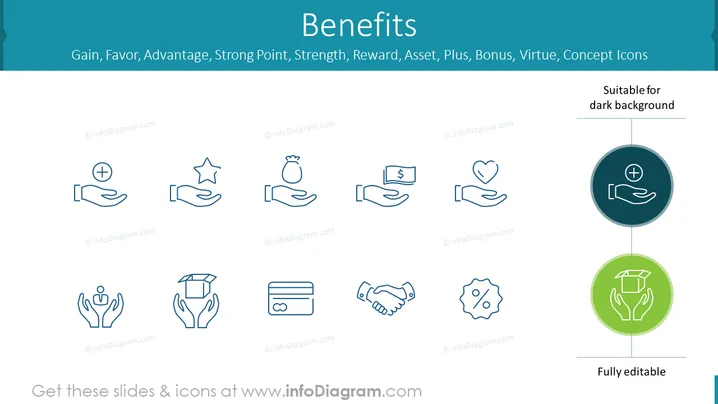
The slide titled "Benefits" displays a collection of concept icons that represent various positive aspects such as Gain, Favor, Advantage, Strong Point, Strength, Reward, Asset, Plus, Bonus, Virtue. Each icon symbolizes a concept: a hand with a plus sign for Gain; a star held in a hand for Advantage; a money bag for Asset; hands holding a heart for Favor; a person with raised hands surrounded by leaves for Virtue; a protective hand over graduation cap for Reward; credit card for Plus; handshake for Strong Point; gear with percentage for Bonus; fully editable icons are also highlighted.
The slide has a clean and modern aesthetic, with a light background that provides contrast to the dark-colored icons. The use of simple geometric shapes and minimalistic design makes the message clear and visually appealing.



