

Your graphics add a nice touch to my presentations and I recently used them for one of my all-hands meetings. Your toolbox adds professionalism to my slides. Instead of using standard clipart.
Claude Jones, Director of Engineer, @Walmartlabs, USA

Your graphics add a nice touch to my presentations and I recently used them for one of my all-hands meetings. Your toolbox adds professionalism to my slides. Instead of using standard clipart.
Claude Jones, Director of Engineer, @Walmartlabs, USA
I needed a fresh look at some of my slides. I've tried to find a way to create a paintbrush effect, to underline, accentuate, add some color and the handwritten markers were just the things. Very easy to use, easy to size, change the color. It was an affordable, perfect solution and I'm happy to recommend it.
Anonymous, US
The crisp, clean look of the graphics, and the fact that it allowed me to easily edit and change the colors to match the template was my main reason for purchasing them.
Brandie Jenkins, E-learning Developer, USA
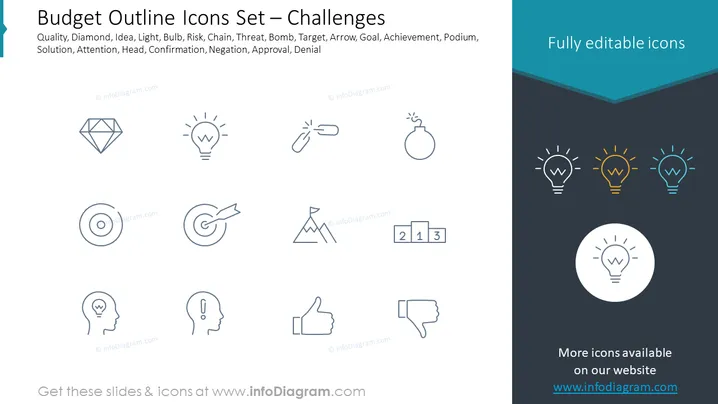
This slide introduces a set of outline icons related to various business challenges, with the title "Budget Outline Icons Set — Challenges." These icons are described by keywords such as Quality (represented by a diamond to signify excellence or high standards), Idea (a lightbulb indicative of creativity or inspiration), Risk (a chain signifying interconnected threats), Threat (a bomb for imminent danger), Bomb (showing urgency or explosive situations), Target (an arrow hitting a bullseye to represent goals or objectives), Arrow (direction or movement towards a goal), Goal (another arrow sign, further emphasizing direction and targets), Achievement (a mountain peak representing success or overcoming challenges), Podium (denoting a place for recognition or a stand for winners), Solution (a puzzle piece suggesting answers or the fitting together of ideas), Attention (a head with a lightbulb, implying cognizance or focus), Head (another image of a head signifying the source of ideas or intellect), Confirmation (a thumbs-up as a sign of agreement or validation), Negation (a thumbs-down representing disapproval or rejection), Approval (echoing the positive feedback indicated by the thumbs-up), and Denial (the opposite of approval, symbolized by the thumbs-down).
The slide has a balanced and modern aesthetic with ample white space around the icons, ensuring that the viewer's attention is drawn to the visual elements. The choice of simple and recognizable symbols facilitates easy comprehension of the concepts presented.



