Reviews
Your graphics add a nice touch to my presentations and I recently used them for one of my all-hands meetings. Your toolbox adds professionalism to my slides. Instead of using standard clipart.
I needed a fresh look at some of my slides. I've tried to find a way to create a paintbrush effect, to underline, accentuate, add some color and the handwritten markers were just the things. Very easy to use, easy to size, change the color. It was an affordable, perfect solution and I'm happy to recommend it.
The crisp, clean look of the graphics, and the fact that it allowed me to easily edit and change the colors to match the template was my main reason for purchasing them.
Description
Your title
Slide Content
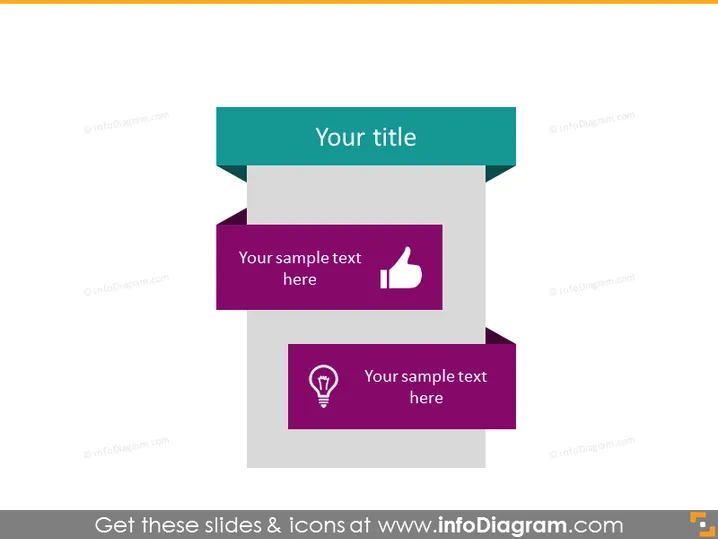
The slide seems designed to present two key ideas or concepts, each accompanied by its symbolic icon to facilitate understanding and memory retention. "Your sample text here" suggests that each colored banner is intended for a brief description text, which would explain the concept represented by the icon—a thumbs-up for possibly positive features and a light bulb for ideas or innovations.
Graphical Look
- The slide features a plain background overlaid with two colored rectangles, slightly askew, creating a dynamic visual effect.
- At the top, there is a header section with a teal rectangle that reads "Your title".
- Below are two banners with a folded design, implying a material or paper-like texture.
- The first banner is purple and contains white text alongside a white thumbs-up icon, denoting positivity or approval.
- The second banner, situated slightly below and to the right, is a darker shade of purple and includes white text and a white light bulb icon, suggesting ideas or inspiration.
- The arrangement of these elements creates a sense of depth and layering on the slide.
The slide is clean and modern, with a simple color scheme that is easy on the eyes. The icons are minimalistic, aiding quick recognition and association with their respective text.
Use Cases
- To highlight two key points or benefits in a business proposal or product presentation.
- To summarize positive aspects and innovative features during a project update or report.
- For illustrating the main advantages and unique selling points of a service in a sales pitch.
- To visually contrast two different ideas or results in a strategic business presentation.
How to Edit
How to edit text & colors

How to expand / shorten diagram

How to Replace Icons in infoDiagram PPT


