Reviews
Sus gráficos añaden un toque agradable a mis presentaciones y recientemente los usé para una de mis reuniones generales. Su conjunto de herramientas añade profesionalismo a mis diapositivas. En lugar de usar imágenes prediseñadas estándar.
Necesitaba un aspecto fresco para algunas de mis diapositivas. Había intentado encontrar una forma de crear un efecto de pincel, de subrayar, acentuar, añadir algo de color y los marcadores escritos a mano fueron justo lo que necesitaba. Muy fácil de usar, fácil de ajustar el tamaño, cambiar el color. Fue una solución asequible y perfecta, y estoy feliz de recomendarla.
El aspecto nítido y limpio de los gráficos, y el hecho de que me permitiera editar y cambiar fácilmente los colores para que coincidieran con la plantilla fue mi principal razón para comprarlos.
Description
Calendars Graphics
Slide Content
The PowerPoint slide titled "Calendars Graphics" seems to focus on visual ways to represent calendars in presentations. The topic of calendar graphics is relevant for illustrating timelines, key dates, scheduling, planning, and project management within a business setting. These visual tools can aid in tracking progress and coordinating efforts across teams and departments.
Graphical Look
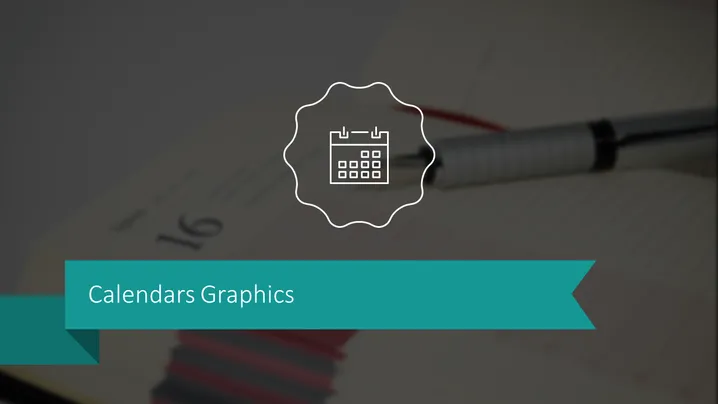
- The background shows a blurred photograph with a pen and a notebook.
- Superimposed on the background is a bold, turquoise-colored ribbon with a cut-out arrow design on the right side, containing the slide title in white capitalized font.
- Above the ribbon and slightly towards the left, there's a stylized, circular white outline with an icon of a calendar inside.
- The calendar icon features a simple representation with a grid for dates and markings that suggest it is meant to indicate the element of time.
The overall look of the slide is professional with a minimalist design. The contrasting colors and the clear focus on the central icon make the theme of calendars immediately apparent.
Use Cases
- To outline project timelines and key milestones during a project management presentation.
- In a business strategy meeting to highlight important dates for product launches or marketing campaigns.
- Within a financial presentation to pinpoint fiscal periods, reporting deadlines, or tax submission dates.
- For presenting personal or team schedules, availability, and leave plans in a human resources context.
How to Edit
How to edit text & colors

How to expand / shorten diagram

How to Replace Icons in infoDiagram PPT


