Reviews
Your graphics add a nice touch to my presentations and I recently used them for one of my all-hands meetings. Your toolbox adds professionalism to my slides. Instead of using standard clipart.
I needed a fresh look at some of my slides. I've tried to find a way to create a paintbrush effect, to underline, accentuate, add some color and the handwritten markers were just the things. Very easy to use, easy to size, change the color. It was an affordable, perfect solution and I'm happy to recommend it.
The crisp, clean look of the graphics, and the fact that it allowed me to easily edit and change the colors to match the template was my main reason for purchasing them.
Description
Your title here
Slide Content
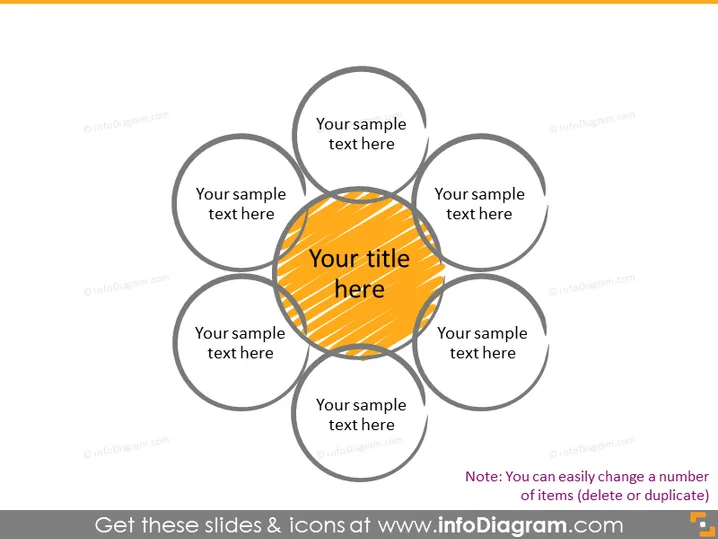
The PowerPoint slide displays a central title with six surrounding fields labeled "Your sample text here". Each field represents a concept or an element connected to the central idea. This format allows presenters to showcase a central theme and how six different areas or topics are interrelated to it. These circular fields can represent different aspects or components that contribute to, result from, or are prerequisites of the primary central theme.
Graphical Look
- The slide has a light background color.
- At the center, there is a large, highlighted circle with a diagonal striped pattern, colored in shades of yellow and dark orange.
- Around the central circle, there are six smaller, uniformly-sized grey outlined circles, each intersecting with the main center circle.
- Each of the six surrounding circles contains a placeholder text "Your sample text here" in a casual sans-serif font.
- The central circle contains larger, bold placeholder text "Your title here" in a sans-serif font, matching the color scheme of the circle.
The slide has a clear, symmetrical design with a prominent central point. The text is minimal, suggesting that the diagram is meant to be customized with specific titles and bullet points.
Use Cases
- Visualizing a business model where the central theme is the company's core value proposition and the surrounding circles represent key customer segments, resources, or value streams.
- Presenting an overview of a project with the central goal at the crux and the supporting objectives or milestones around it.
- Demonstrating how an organization's central mission branches out to different departments or teams, illustrating the concept of unity within diversity.
- Facilitating brainstorming sessions where a central idea or problem is to be examined from various perspectives or dimensions.
How to Edit
How to edit text & colors

How to expand / shorten diagram

How to Replace Icons in infoDiagram PPT


