Danger Signs
Slide Content
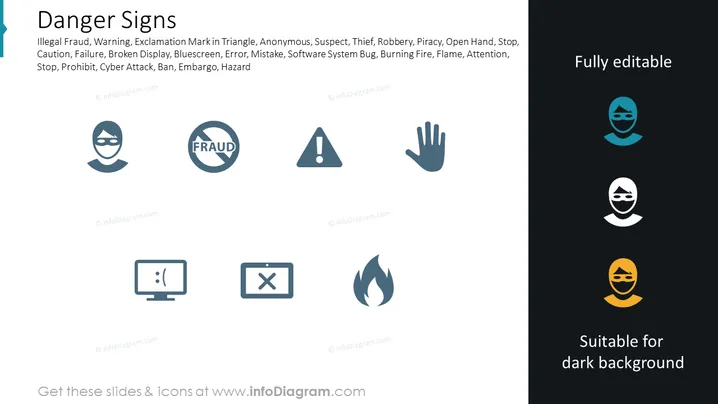
The slide is titled "Danger Signs" and lists various concepts associated with caution or illegal activity, each accompanied by an icon. The concepts include Illegal Fraud, Warning, Exclamation Mark in Triangle, Anonymous, Suspect, Thief, Robbery, Piracy, Open Hand, Stop, Caution, Failure, Broken Display, Bluescreen, Error, Mistake, Software System Bug, Burning Fire, Flame, Attention, Stop, Prohibit, Cyber Attack, Ban, Embargo, Hazard. Illegal Fraud indicates deceptive activities, Warning and Exclamation Mark in Triangle signify general cautions, while Anonymous and Suspect may denote individuals of interest in a security context. Thief and Robbery relate to stealing, Piracy to intellectual property theft, Open Hand and Stop to commands to halt, and so on highlighting various risks.
Graphical Look
- The title "Danger Signs" is prominently displayed at the top of the slide in bold, dark lettering.
- Words beneath the title are grouped in a list with comma separation, in a lighter font and smaller size than the title.
- Eight icons are arranged in two rows and four columns, evenly spaced across the slide.
- Each icon represents one of the listed dangers: a masked face for Illegal Fraud; a crossed-out text "FRAUD"; a caution triangle with an exclamation point; an open hand signaling stop; a computer screen with a sad face denoting Bluescreen or Error; a cross inside a mobile device suggesting software bug or failure; a flame for Burning Fire; and another masked face likely representing Anonymous or Suspect.
- The colours of the icons are shades of blue-grey, with the exception of the lower right-hand flame icon, which is white.
- On the right, text states "Fully editable" and "Suitable for dark background", each line in a different shade of blue-grey.
- The icons are simple and graphic, styled in a flat design with no gradients or shading , giving the slide a modern and clean aesthetic.
The overall look of the slide is sleek and professional, with an organized layout that uses symmetrical spacing. The icons have a uniform style that clearly represents the accompanying text, creating an easily interpretable visual message.
Use Cases
- To highlight potential risks and issues in a corporate security training session.
- As part of a presentation on digital security measures, illustrating types of cyber threats.
- Within a risk assessment or crisis management plan to rapidly identify categories of danger.
- In a legal or compliance meeting discussing fraud prevention and intellectual property protection.