

Your graphics add a nice touch to my presentations and I recently used them for one of my all-hands meetings. Your toolbox adds professionalism to my slides. Instead of using standard clipart.
Claude Jones, Director of Engineer, @Walmartlabs, USA

Your graphics add a nice touch to my presentations and I recently used them for one of my all-hands meetings. Your toolbox adds professionalism to my slides. Instead of using standard clipart.
Claude Jones, Director of Engineer, @Walmartlabs, USA
I needed a fresh look at some of my slides. I've tried to find a way to create a paintbrush effect, to underline, accentuate, add some color and the handwritten markers were just the things. Very easy to use, easy to size, change the color. It was an affordable, perfect solution and I'm happy to recommend it.
Anonymous, US
The crisp, clean look of the graphics, and the fact that it allowed me to easily edit and change the colors to match the template was my main reason for purchasing them.
Brandie Jenkins, E-learning Developer, USA
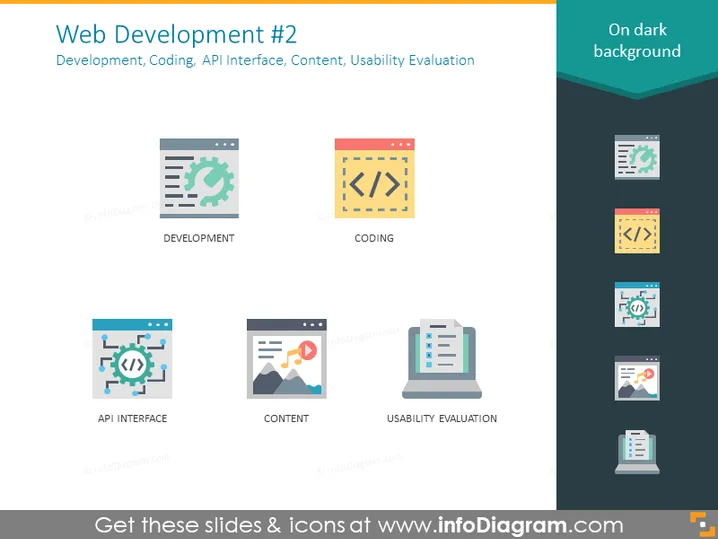
The PowerPoint slide titled "Web Development #2" lists key aspects of web development, including Development, Coding, API Interface, Content, and Usability Evaluation. "Development" implies the overall process of creating a website or web application. "Coding" reflects the actual programming and building of the site's functionality. "API Interface" relates to the design of data exchange points where different software applications can communicate. "Content" stands for the creation and management of the material users will interact with. Lastly, "Usability Evaluation" suggests a process of testing how user-friendly the website or application is.
The slide's design is clean and modern, utilizing bold icons and crisp fonts to convey the components of web development. The color scheme and layout promote readability and a clear visual hierarchy.



