

Your graphics add a nice touch to my presentations and I recently used them for one of my all-hands meetings. Your toolbox adds professionalism to my slides. Instead of using standard clipart.
Claude Jones, Director of Engineer, @Walmartlabs, USA

Your graphics add a nice touch to my presentations and I recently used them for one of my all-hands meetings. Your toolbox adds professionalism to my slides. Instead of using standard clipart.
Claude Jones, Director of Engineer, @Walmartlabs, USA
I needed a fresh look at some of my slides. I've tried to find a way to create a paintbrush effect, to underline, accentuate, add some color and the handwritten markers were just the things. Very easy to use, easy to size, change the color. It was an affordable, perfect solution and I'm happy to recommend it.
Anonymous, US
The crisp, clean look of the graphics, and the fact that it allowed me to easily edit and change the colors to match the template was my main reason for purchasing them.
Brandie Jenkins, E-learning Developer, USA
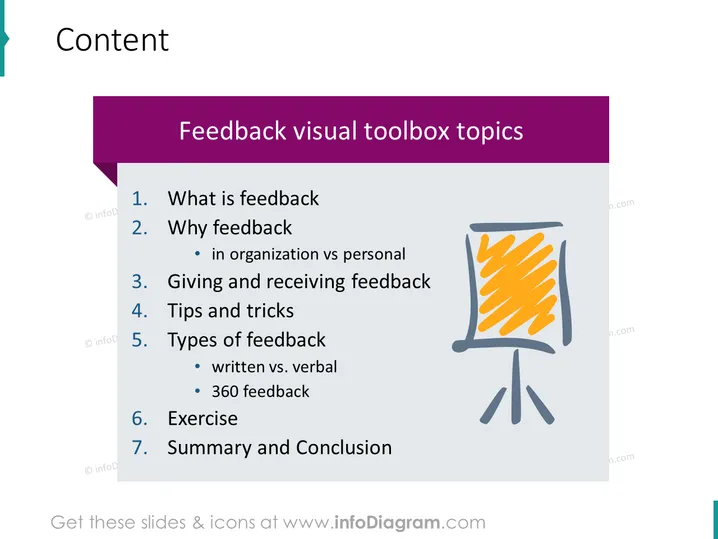
This PowerPoint slide titled "Feedback visual toolbox topics" outlines a comprehensive agenda for a session on feedback. It includes an introduction to what feedback is and delves into its importance both organizationally and personally. The session promises to provide practical guidance on giving and receiving feedback, share tips and tricks, explore different types of feedback such as written vs. verbal and 360 feedback, involve participants in an interactive exercise, and conclude with a summary.
The overall look of the slide is professional and modern, with a clear focus on content hierarchy facilitated by bold colors and simple iconography to engage the viewer.



