Reviews
Your graphics add a nice touch to my presentations and I recently used them for one of my all-hands meetings. Your toolbox adds professionalism to my slides. Instead of using standard clipart.
I needed a fresh look at some of my slides. I've tried to find a way to create a paintbrush effect, to underline, accentuate, add some color and the handwritten markers were just the things. Very easy to use, easy to size, change the color. It was an affordable, perfect solution and I'm happy to recommend it.
The crisp, clean look of the graphics, and the fact that it allowed me to easily edit and change the colors to match the template was my main reason for purchasing them.
Description
Banking & Finance #3
Slide Content
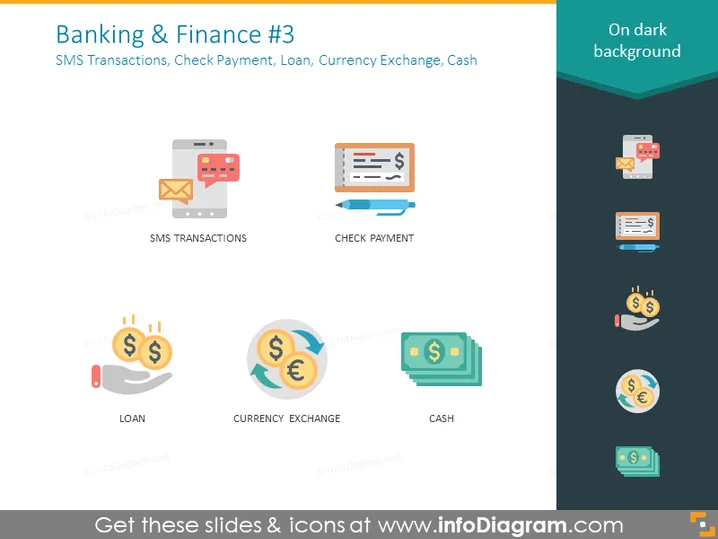
The PowerPoint slide titled "Banking & Finance #3" covers various financial transactions methods: SMS Transactions, Check Payment, Loan, Currency Exchange, and Cash. "SMS Transactions" likely refers to banking transactions completed via text message. "Check Payment" indicates the use of checks as a method of payment. "Loan" symbolizes borrowing funds, typically from a bank. "Currency Exchange" represents the trading of different currencies, which is essential for international commerce. "Cash" denotes the physical money used for transactions.
Graphical Look
- The slide uses a flat design style with a light grey background.
- There are five colorful icons, each representing a different banking concept; the icons have subtle shadows for depth.
- The icons are arranged in a grid pattern with two rows: three icons on the top row and two on the bottom.
- Under each icon, there's a caption in capitalized font, clearly labeling each banking concept.
- These captions are in a dark grey color, providing a nice contrast against the light background.
- Each icon and its corresponding label are inside their own distinct container with a slightly darker background than the rest of the slide, creating a visual separation.
The overall look of the slide is clean and modern, with a clear emphasis on visual simplicity. The use of colorful icons against a light background makes the information easy to scan quickly.
Use Cases
- To introduce different banking services in a financial institution's presentation.
- As a visual aid during educational training on financial literacy, explaining the various methods of performing transactions.
- For marketing material to showcase the range of banking options a company offers to its customers.
- In a report or proposal to highlight areas of innovation or improvement within the banking sector.
How to Edit
How to edit text & colors

How to expand / shorten diagram

How to Replace Icons in infoDiagram PPT


