Your graphics add a nice touch to my presentations and I recently used them for one of my all-hands meetings. Your toolbox adds professionalism to my slides. Instead of using standard clipart.
Claude Jones, Director of Engineer, @Walmartlabs, USA
Your graphics add a nice touch to my presentations and I recently used them for one of my all-hands meetings. Your toolbox adds professionalism to my slides. Instead of using standard clipart.
Claude Jones, Director of Engineer, @Walmartlabs, USA
I needed a fresh look at some of my slides. I've tried to find a way to create a paintbrush effect, to underline, accentuate, add some color and the handwritten markers were just the things. Very easy to use, easy to size, change the color. It was an affordable, perfect solution and I'm happy to recommend it.
Anonymous, US
The crisp, clean look of the graphics, and the fact that it allowed me to easily edit and change the colors to match the template was my main reason for purchasing them.
Brandie Jenkins, E-learning Developer, USA
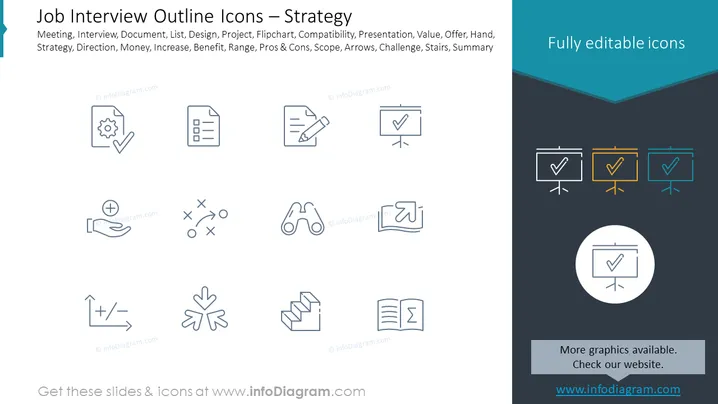
Slide Content: The slide appears to be part of a presentation possibly related to job interviews or business strategies, featuring a collection of outline icons that represent different concepts essential to strategy planning or interview processes. The icons include a settings gear with a check symbol (suggesting configuration or correct setup), a clipboard (indicating documentation or checklists), and a flipchart with a check (representing presentations or completed tasks). Other icons depict concepts such as pros and cons, scope, challenge, and summary, each symbolically representing elements of strategic planning or evaluation criteria in job interviews.
Graphical Look:
The overall look of the slide is clean and modern, utilizing a minimalist design for the icons and a crisp color contrast for visual interest. The white and dark slate sections provide a balanced backdrop for the monochrome icons and the splash of teal adds a professional touch.
Use Cases:




