

Your graphics add a nice touch to my presentations and I recently used them for one of my all-hands meetings. Your toolbox adds professionalism to my slides. Instead of using standard clipart.
Claude Jones, Director of Engineer, @Walmartlabs, USA

Your graphics add a nice touch to my presentations and I recently used them for one of my all-hands meetings. Your toolbox adds professionalism to my slides. Instead of using standard clipart.
Claude Jones, Director of Engineer, @Walmartlabs, USA
I needed a fresh look at some of my slides. I've tried to find a way to create a paintbrush effect, to underline, accentuate, add some color and the handwritten markers were just the things. Very easy to use, easy to size, change the color. It was an affordable, perfect solution and I'm happy to recommend it.
Anonymous, US
The crisp, clean look of the graphics, and the fact that it allowed me to easily edit and change the colors to match the template was my main reason for purchasing them.
Brandie Jenkins, E-learning Developer, USA
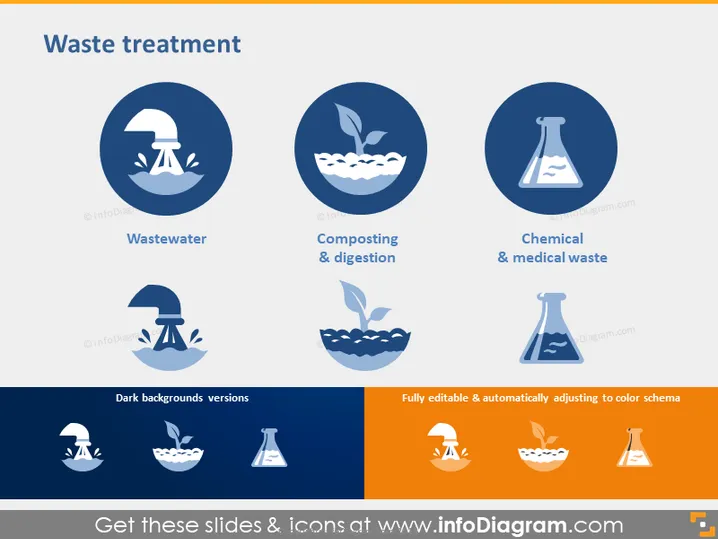
The PowerPoint slide titled "Waste treatment" presents three categories of waste management methods: Wastewater, Composting & Digestion, and Chemical & Medical Waste. Each category is represented by an icon suggesting the treatment process; a faucet and water drop for Wastewater implying purification processes, a leafy apple core for Composting & Digestion signifying organic waste breakdown, and a laboratory flask for Chemical & Medical Waste indicating the handling and disposal of hazardous substances.
The slide's aesthetic is clean and minimalistic, using contrasting colors to make the icons and text stand out. The icons are simple yet informative, and the decision to use dark blue tones gives the topic a serious and scientific feel.



