Your graphics add a nice touch to my presentations and I recently used them for one of my all-hands meetings. Your toolbox adds professionalism to my slides. Instead of using standard clipart.
Claude Jones, Director of Engineer, @Walmartlabs, USA
Your graphics add a nice touch to my presentations and I recently used them for one of my all-hands meetings. Your toolbox adds professionalism to my slides. Instead of using standard clipart.
Claude Jones, Director of Engineer, @Walmartlabs, USA
I needed a fresh look at some of my slides. I've tried to find a way to create a paintbrush effect, to underline, accentuate, add some color and the handwritten markers were just the things. Very easy to use, easy to size, change the color. It was an affordable, perfect solution and I'm happy to recommend it.
Anonymous, US
The crisp, clean look of the graphics, and the fact that it allowed me to easily edit and change the colors to match the template was my main reason for purchasing them.
Brandie Jenkins, E-learning Developer, USA
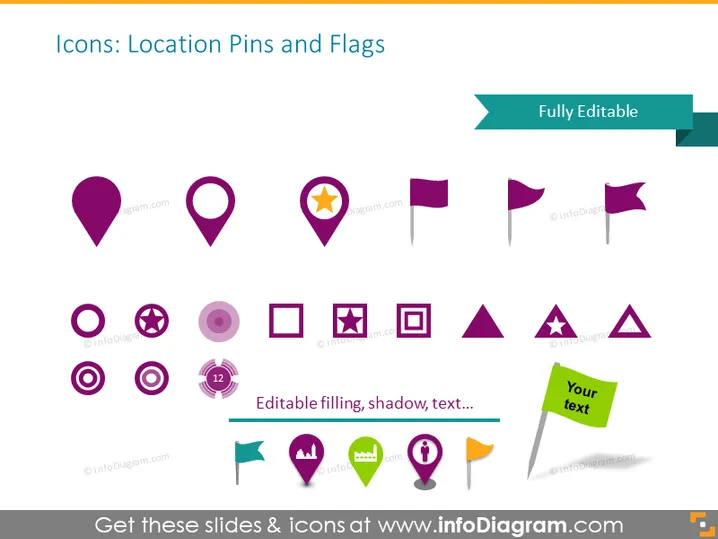
The PowerPoint slide showcases a variety of icons themed around location pins and flags, indicating they are fully editable with customizable filling, shadow, and text. The possibility to edit these elements suggests flexibility in adapting the icons to match specific presentation needs. The icons vary in shape and design—ranging from simple location pins to pins with stars, flags both plain and with various designs, and a location pin with a specified area for text insertion.
The slide has a clean and modern look, with the icons arranged in a grid format that allows for easy visual scanning. The colors are cohesive, predominantly featuring shades of purple and teal accents which provide a professional appearance.




