Reviews
Your slides are my 'secret sauce' when it comes to visualising my ideas to clients. I'm saving so much time.
InfoDiagram has been a wonderful resource since I found the product site a few years ago.
Your slides often generate good comments and ideas from my team that improve the final slides.
Description
Products
Slide Content
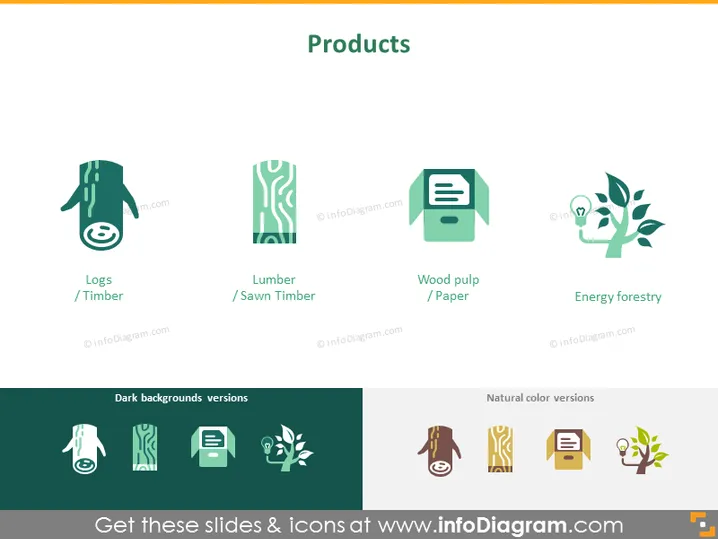
The PowerPoint slide is titled "Products" and showcases four forestry-related items, each represented by an icon and accompanied by its name: Logs/Timber, Lumber/Sawn Timber, Wood pulp/Paper, and Energy forestry. Logs or Timber signify the raw material extracted from trees; Lumber or Sawn Timber refers to processed wood ready for construction; Wood pulp or Paper indicates the material made from fibrous substances used for paper production; Energy forestry represents the cultivation of trees for energy production like biofuels.
Graphical Look
- The slide has a soft green background color.
- The title "Products" is prominently displayed at the top center of the slide.
- There are four icons in a horizontal line, each corresponding to a different product.
- Each icon graphic is stylized and minimalistic, depicting the essence of the product.
- Under each icon, the product name is given in two terms that either complement or specify the product type.
- The icons are colored with a matching soft-tone palette and are placed against a light background square with rounded edges.
- Below the icons and product names, variations of these icons are shown for both dark and natural color backgrounds to demonstrate adaptability.
The slide has a clean and flat design with a cohesive color scheme that effectively uses icons and text to communicate the types of products in a straightforward manner.
Use Cases
- Presenting a company's range of products or services in the forestry sector.
- Showcasing different categories of raw and processed materials in a supply chain presentation.
- Describing various segments of a business in investor or stakeholder meetings.
- Illustrating product offerings in marketing materials or sales pitches.
How to Edit
How to edit text & colors

How to expand / shorten diagram

How to Replace Icons in infoDiagram PPT


