Your graphics add a nice touch to my presentations and I recently used them for one of my all-hands meetings. Your toolbox adds professionalism to my slides. Instead of using standard clipart.
Claude Jones, Director of Engineer, @Walmartlabs, USA
Your graphics add a nice touch to my presentations and I recently used them for one of my all-hands meetings. Your toolbox adds professionalism to my slides. Instead of using standard clipart.
Claude Jones, Director of Engineer, @Walmartlabs, USA
I needed a fresh look at some of my slides. I've tried to find a way to create a paintbrush effect, to underline, accentuate, add some color and the handwritten markers were just the things. Very easy to use, easy to size, change the color. It was an affordable, perfect solution and I'm happy to recommend it.
Anonymous, US
The crisp, clean look of the graphics, and the fact that it allowed me to easily edit and change the colors to match the template was my main reason for purchasing them.
Brandie Jenkins, E-learning Developer, USA
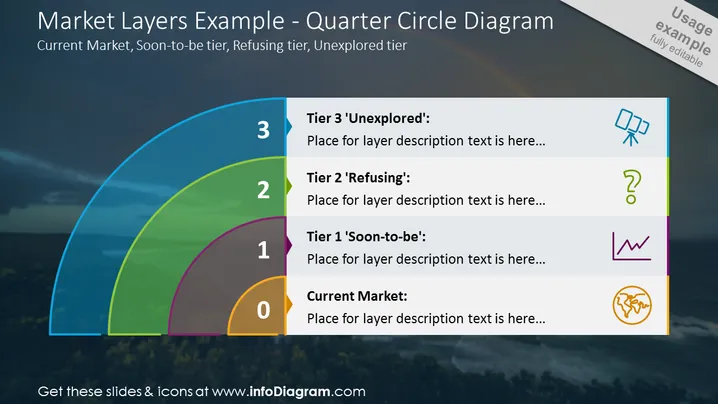
The PowerPoint slide titled "Market Layers Example - Quarter Circle Diagram" explains the stratification of market categories with tiers labeled 0 to 3: "Current Market," "Tier 1 'Soon-to-be'," "Tier 2 'Refusing'," and "Tier 3 'Unexplored'." Each tier features a placeholder for a description, indicating where a detailed explanation can be added. The numerical labeling and tier names suggest a progression from the established market to unchartered segments, with each tier representing a specific stage in market development or customer segmentation.
The overall look of the slide is sleek and professional, with a mix of visual elements that enhance understanding. The bright colors used for each market layer create a clear distinction and hierarchy, engaging the viewer visually and cognitively.




