Reviews
Sus gráficos añaden un toque agradable a mis presentaciones y recientemente los usé para una de mis reuniones generales. Su conjunto de herramientas añade profesionalismo a mis diapositivas. En lugar de usar imágenes prediseñadas estándar.
Necesitaba un aspecto fresco para algunas de mis diapositivas. Había intentado encontrar una forma de crear un efecto de pincel, de subrayar, acentuar, añadir algo de color y los marcadores escritos a mano fueron justo lo que necesitaba. Muy fácil de usar, fácil de ajustar el tamaño, cambiar el color. Fue una solución asequible y perfecta, y estoy feliz de recomendarla.
El aspecto nítido y limpio de los gráficos, y el hecho de que me permitiera editar y cambiar fácilmente los colores para que coincidieran con la plantilla fue mi principal razón para comprarlos.
Description
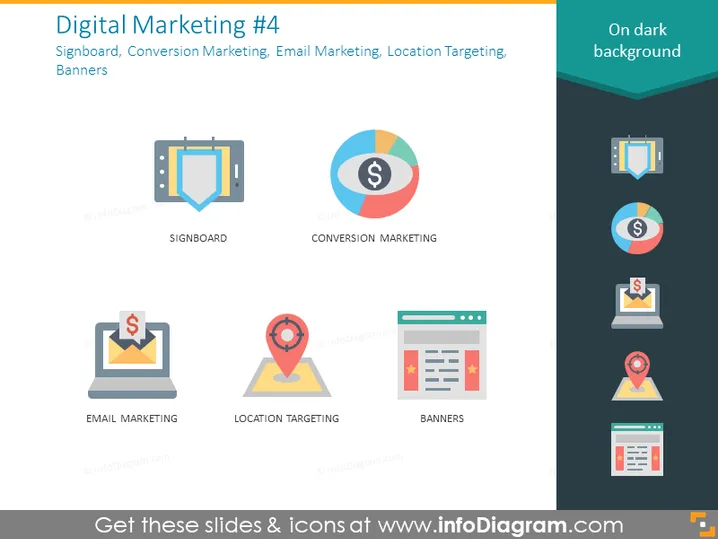
Digital Marketing #4
Slide Content
The slide is focused on four key aspects of digital marketing: Signboard, Conversion Marketing, Email Marketing, and Location Targeting. "Signboard" likely refers to the use of physical or digital signage to advertise products or services. "Conversion Marketing" involves strategies to convert prospects into customers, enhancing ROI. "Email Marketing" is the practice of sending targeted emails to nurture leads and keep customers engaged. "Location Targeting" implies using geographical data to deliver relevant advertising to individuals based on their location.
Graphical Look
- Main background color is a gradient of dark blue to lighter blue at the top.
- Four distinct flat design icons with labels underneath them, aligned in two rows and two columns:
- Top-left: A signboard icon representing Signboard.
- Top-right: A pie chart icon with a dollar sign in the center, representing Conversion Marketing.
- Bottom-left: An envelope with a dollar sign on a laptop screen, representing Email Marketing.
- Bottom-right: A map pinpoint icon on a webpage layout, representing Banners, albeit the icon naming might be more indicative of Location Targeting.
- Each icon is in a different vivid color palette (blue, red-orange, yellow, green), providing a distinct visual categorization.
- All icons are surrounded by a subtle shadow, giving a sense of depth.
- There are no other elements in the slide's visible area.
The overall look of the slide is professional and modern, with a clear visual hierarchy that makes the content easy to follow. The icons are simplified and colorful, making the categories immediately recognizable.
Use Cases
- In a meeting to discuss strategies for boosting a company's digital marketing efforts.
- During a workshop or seminar to educate marketing teams on different facets of digital marketing.
- As part of a sales pitch when proposing digital marketing services to potential clients.
- In a reporting presentation to showcase the performance of various digital marketing channels.
How to Edit
How to edit text & colors

How to expand / shorten diagram

How to Replace Icons in infoDiagram PPT


