Reviews
Your graphics add a nice touch to my presentations and I recently used them for one of my all-hands meetings. Your toolbox adds professionalism to my slides. Instead of using standard clipart.
I needed a fresh look at some of my slides. I've tried to find a way to create a paintbrush effect, to underline, accentuate, add some color and the handwritten markers were just the things. Very easy to use, easy to size, change the color. It was an affordable, perfect solution and I'm happy to recommend it.
The crisp, clean look of the graphics, and the fact that it allowed me to easily edit and change the colors to match the template was my main reason for purchasing them.
Description
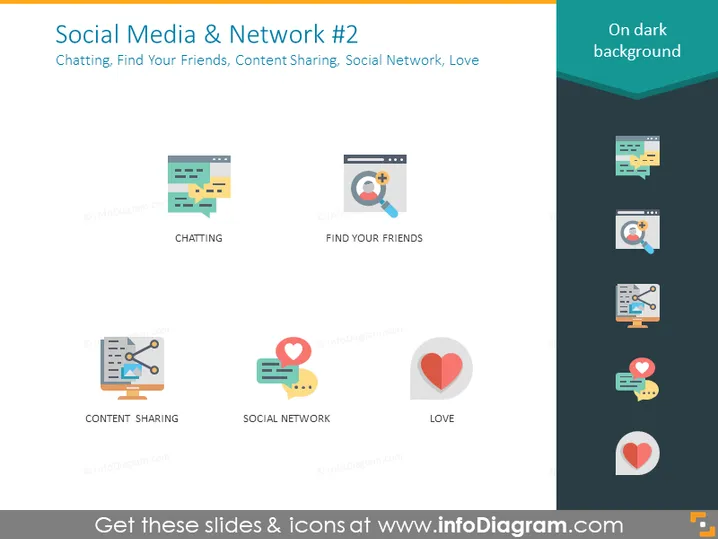
Social Media & Network #2
Slide Content
The slide titled "Social Media & Network #2" covers various aspects of social media interaction: Chatting, represented here likely as instant messaging or online conversations; Finding Your Friends, which points to friend-finding features on platforms; Content Sharing, indicating the exchange or dissemination of media and information; Social Network, representing the platforms and connections between users; and Love, which may symbolize the affection or support expressed through social media interactions.
Graphical Look
- The slide background is a dark shade, providing contrast for the lighter colored elements.
- Five icons, each representing a different social media concept, are positioned horizontally across the slide.
- Each icon has a subtitle text in all caps directly below it, clarifying the concept it represents.
- The icons are designed with a flat graphic style and use a limited color palette with blues, greens, red, and yellows.
- The icons are placed inside light-colored circles with a shadow effect to make them stand out against the background.
- The slide uses ample whitespace around the icons, giving the design a clean and uncluttered feel.
- To the right, there is a text box with "On dark background" highlighted in a lighter colored background against the dark slide theme.
The overall look of the slide is modern and clean, with a strong emphasis on visual communication through symbolic representation. The color contrasts and flat design icons make the information easily digestible at a glance.
Use Cases
- To introduce different features and benefits of social media platforms in a business strategy presentation.
- As part of a training session explaining the various components of social media to new employees or team members.
- In a marketing presentation to highlight different avenues for customer engagement on social media.
- During a pitch to potential investors or stakeholders outlining a company's presence and strategy in the social media landscape.
How to Edit
How to edit text & colors

How to expand / shorten diagram

How to Replace Icons in infoDiagram PPT


