Your graphics add a nice touch to my presentations and I recently used them for one of my all-hands meetings. Your toolbox adds professionalism to my slides. Instead of using standard clipart.
Claude Jones, Director of Engineer, @Walmartlabs, USA
Your graphics add a nice touch to my presentations and I recently used them for one of my all-hands meetings. Your toolbox adds professionalism to my slides. Instead of using standard clipart.
Claude Jones, Director of Engineer, @Walmartlabs, USA
I needed a fresh look at some of my slides. I've tried to find a way to create a paintbrush effect, to underline, accentuate, add some color and the handwritten markers were just the things. Very easy to use, easy to size, change the color. It was an affordable, perfect solution and I'm happy to recommend it.
Anonymous, US
The crisp, clean look of the graphics, and the fact that it allowed me to easily edit and change the colors to match the template was my main reason for purchasing them.
Brandie Jenkins, E-learning Developer, USA
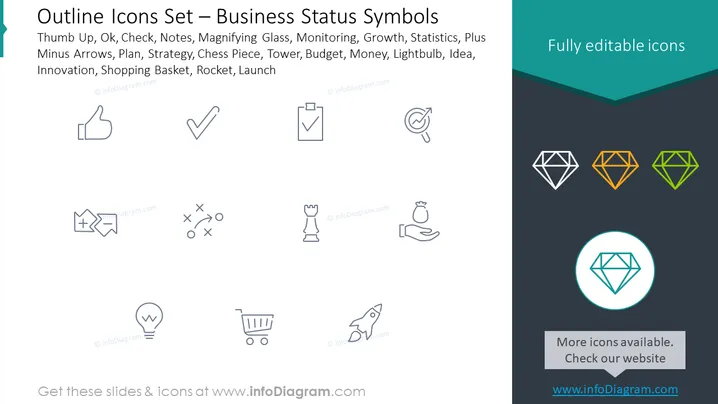
The PowerPoint slide presents a collection of outline icons that are representative of various business concepts and operations. The title indicates that these are icons for business status symbols. The list includes: Thumb Up, Ok, Check, Notes, Magnifying Glass, Monitoring, Growth, Statistics, Plus Minus Arrows, Plan, Strategy, Chess Piece, Tower, Budget, Money, Lightbulb, Idea, Innovation, Shopping Basket, Rocket, Launch. Each icon likely correlates to a corresponding concept—Thumb Up could represent approval, Magnifying Glass might denote analysis or focus, Lightbulb could signify ideas or inspiration, and Rocket probably stands for launch or rapid growth.
The visual composition of the slide is clean and modern, with the icons well-arranged in a grid pattern for easy viewing. Despite the simplicity, the variation in icon colors at the bottom provides a pop of color that draws the eye.




