

Your graphics add a nice touch to my presentations and I recently used them for one of my all-hands meetings. Your toolbox adds professionalism to my slides. Instead of using standard clipart.
Claude Jones, Director of Engineer, @Walmartlabs, USA

Your graphics add a nice touch to my presentations and I recently used them for one of my all-hands meetings. Your toolbox adds professionalism to my slides. Instead of using standard clipart.
Claude Jones, Director of Engineer, @Walmartlabs, USA
I needed a fresh look at some of my slides. I've tried to find a way to create a paintbrush effect, to underline, accentuate, add some color and the handwritten markers were just the things. Very easy to use, easy to size, change the color. It was an affordable, perfect solution and I'm happy to recommend it.
Anonymous, US
The crisp, clean look of the graphics, and the fact that it allowed me to easily edit and change the colors to match the template was my main reason for purchasing them.
Brandie Jenkins, E-learning Developer, USA
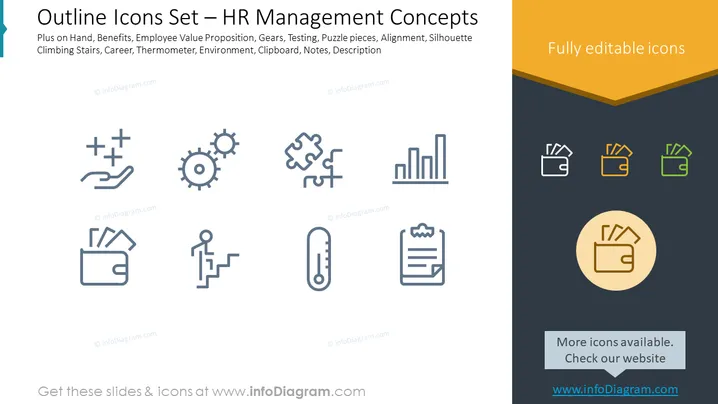
The PowerPoint slide is titled "Outline Icons Set — HR Management Concepts" and showcases a collection of icons related to human resources management. Each icon represents a different concept: 'Plus on Hand' conveys additional support or resources; 'Benefits' indicates the perks or advantages offered; 'Employee Value Proposition' is about what employees gain in return for their performance; 'Gears' symbolize processes or mechanisms; 'Testing' refers to assessments; 'Puzzle pieces' suggest assembling various parts to form a whole; 'Alignment' denotes organization and uniformity; 'Silhouette Climbing Stairs' represents career development or advancement; 'Career' is self-explanatory; 'Thermometer' could be for gauging satisfaction or performance; 'Environment' pertains to the workplace or culture. 'Clipboard', 'Notes', and 'Description' are likely to be about record-keeping or communicating information.
The slide has a clean , professional layout with a simple color palette focused on blue, gray, and gold tones. The chosen icons are clear and visually unified in style, making it easy to understand their intended symbolism at a glance.



