

Your graphics add a nice touch to my presentations and I recently used them for one of my all-hands meetings. Your toolbox adds professionalism to my slides. Instead of using standard clipart.
Claude Jones, Director of Engineer, @Walmartlabs, USA

Your graphics add a nice touch to my presentations and I recently used them for one of my all-hands meetings. Your toolbox adds professionalism to my slides. Instead of using standard clipart.
Claude Jones, Director of Engineer, @Walmartlabs, USA
I needed a fresh look at some of my slides. I've tried to find a way to create a paintbrush effect, to underline, accentuate, add some color and the handwritten markers were just the things. Very easy to use, easy to size, change the color. It was an affordable, perfect solution and I'm happy to recommend it.
Anonymous, US
The crisp, clean look of the graphics, and the fact that it allowed me to easily edit and change the colors to match the template was my main reason for purchasing them.
Brandie Jenkins, E-learning Developer, USA
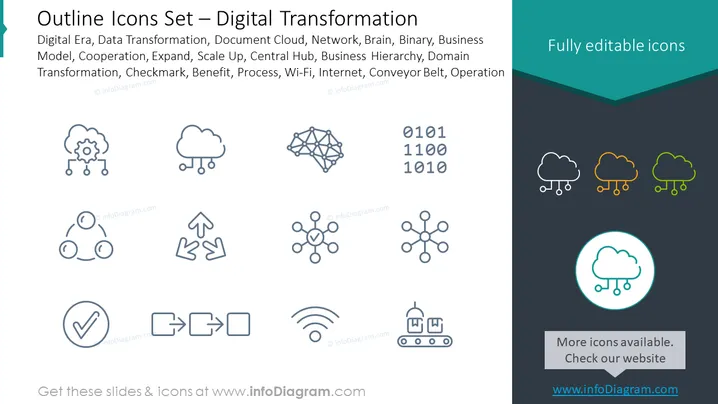
The slide is a visual representation of icons related to the digital transformation theme. The mentioned concepts include the Digital Era, highlighting the current technological age; Data Transformation, which deals with changing data formats, structures, or values; Document Cloud, suggesting cloud-based document storage or management; Network, referring to interconnected systems; Brain, likely symbolizing intelligence or AI; Binary, representing the fundamental language of computers; Business Model, indicating the framework of business operations; Cooperation, signifying teamwork; Expand and Scale Up, both related to business growth strategies; Central Hub, the focal point of activity or connectivity; Business Hierarchy, which details organizational structure; Domain Transformation, possibly referring to changes in a business or technology domain; Checkmark, indicating approval or completion; Benefit, outlining advantages or gains; Process, involving a series of actions to achieve a result; Wi-Fi, associated with wireless connectivity; Internet, denoting the global network; Conveyor Belt, symbolizing process automation or flow; Operation, related to the execution of tasks.
The overall look of the slide is professional and polished, with a simple and clear layout that emphasizes the icons. Each icon is designed to visually represent complex digital concepts in an easily understandable manner.



