

Your graphics add a nice touch to my presentations and I recently used them for one of my all-hands meetings. Your toolbox adds professionalism to my slides. Instead of using standard clipart.
Claude Jones, Director of Engineer, @Walmartlabs, USA

Your graphics add a nice touch to my presentations and I recently used them for one of my all-hands meetings. Your toolbox adds professionalism to my slides. Instead of using standard clipart.
Claude Jones, Director of Engineer, @Walmartlabs, USA
I needed a fresh look at some of my slides. I've tried to find a way to create a paintbrush effect, to underline, accentuate, add some color and the handwritten markers were just the things. Very easy to use, easy to size, change the color. It was an affordable, perfect solution and I'm happy to recommend it.
Anonymous, US
The crisp, clean look of the graphics, and the fact that it allowed me to easily edit and change the colors to match the template was my main reason for purchasing them.
Brandie Jenkins, E-learning Developer, USA
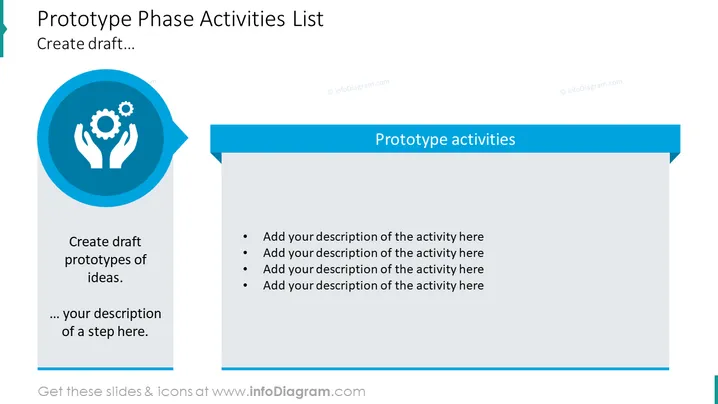
The slide appears to represent a stage in a project development cycle focused on prototyping. The title "Prototype Phase Activities List" suggests that the slide is used for outlining various tasks and activities pertinent to creating prototypes. There's a section on the left with a prominent icon symbolizing innovation and craftsmanship, inviting the presenter to "Create draft prototypes of ideas," which implies brainstorming and crafting initial models. Accompanying bulleted placeholders on the right invite the addition of detailed descriptions for each prototype activity, suggesting an interactive element where each point is expected to be expanded upon with specifics of the prototype development process.
The slide has a clean, professional look with a balanced mix of graphic and text elements. A blue and white color scheme provides a corporate feel, and the slide design allows for clear segmentation of the title, iconography, and content bullet points.



