

Your graphics add a nice touch to my presentations and I recently used them for one of my all-hands meetings. Your toolbox adds professionalism to my slides. Instead of using standard clipart.
Claude Jones, Director of Engineer, @Walmartlabs, USA

Your graphics add a nice touch to my presentations and I recently used them for one of my all-hands meetings. Your toolbox adds professionalism to my slides. Instead of using standard clipart.
Claude Jones, Director of Engineer, @Walmartlabs, USA
I needed a fresh look at some of my slides. I've tried to find a way to create a paintbrush effect, to underline, accentuate, add some color and the handwritten markers were just the things. Very easy to use, easy to size, change the color. It was an affordable, perfect solution and I'm happy to recommend it.
Anonymous, US
The crisp, clean look of the graphics, and the fact that it allowed me to easily edit and change the colors to match the template was my main reason for purchasing them.
Brandie Jenkins, E-learning Developer, USA
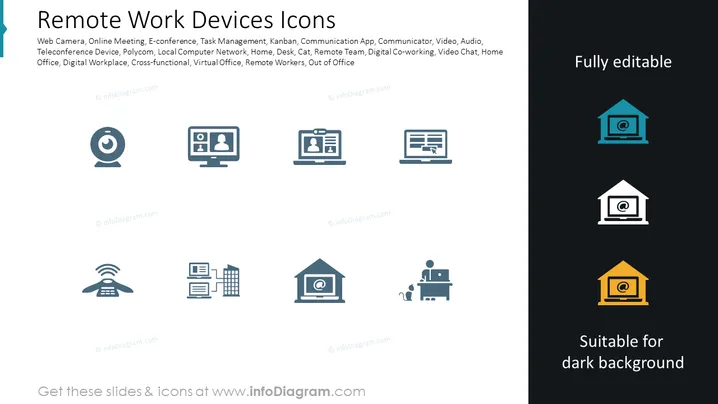
The PowerPoint slide presents a collection of icons related to remote work devices and concepts. The slide title indicates that the symbols represent various tools and ideas associated with remote work. Key concepts listed include "Web Camera," symbolizing video communication tools; "Online Meeting," representing platforms for virtual group interactions; "E-conference," indicating large-scale virtual conferences; "Task Management," for software that helps organize work tasks; "Kanban," a visual workflow management method; "Communication App," for software facilitating messaging and calls; "Communicator," likely a tool for instant messaging; "Video," related to streaming or recording functionalities; "Audio," for sound-related features; and additional terms like "Teleconference Device," "Polycom," "Local Computer Network," "Home," "Desk," "Cat," related to the home office environment, "Remote Team," for distributed workgroups, "Digital Co-working," "Video Chat," "Home Office," conveying the personal workspace concept, "Digital Workplace," suggesting an integrated virtual work environment, "Cross-functional," referring to collaborations across different functions, "Virtual Office," indicating an online space for work activities, "Remote Workers," for individuals who work outside traditional office settings, and "Out of Office," signaling availability status. All these terms are related to components and aspects integral to remote and digital work environments.
The overall look of the slide is professional and modern, with visually pleasing blue tones that create a consistent theme. The use of simple line icons ensures clarity and focus on the content.



