Reviews
Ihre Grafiken verleihen meinen Präsentationen eine nette Note, und ich habe sie kürzlich für eines meiner All-Hands-Meetings verwendet. Ihre Toolbox verleiht meinen Folien Professionalität, anstatt Standard-Clipart zu verwenden.
Ich brauchte einen neuen Blick auf einige meiner Folien. Ich habe versucht, einen Weg zu finden, einen Pinselschlag-Effekt zu erzielen, um zu unterstreichen, hervorzuheben, Farbe hinzuzufügen, und die handgeschriebenen Markierungen waren genau das Richtige. Sehr einfach zu bedienen, leicht in der Größe zu ändern, die Farbe zu ändern. Es war eine erschwingliche, perfekte Lösung und ich empfehle sie gerne weiter.
Die klare, saubere Optik der Grafiken und die Tatsache, dass ich die Farben leicht bearbeiten und an die Vorlage anpassen konnte, war mein Hauptgrund für den Kauf.
Description
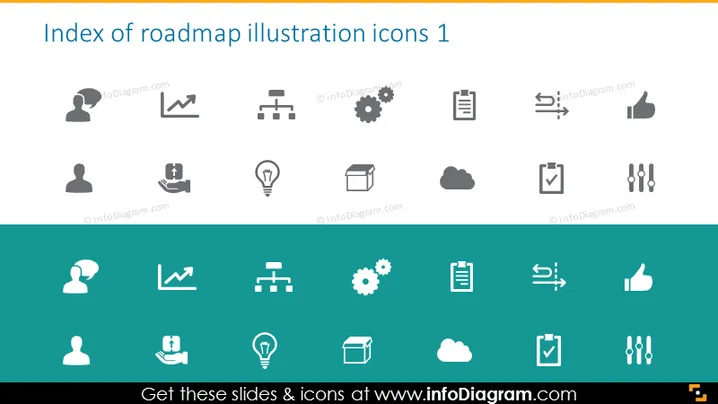
Index of roadmap illustration icons 1
Slide Content
The slide presents a collection of icons to illustrate different concepts relevant to business roadmaps and planning. These include a person with a gear representing management or mechanized processes, trend lines denoting analysis or progress tracking, a bridge symbolizing connections or transitions, and gear icons implying settings or operations. An icon of a person with a speech bubble may indicate communication or feedback, a light bulb with a question mark could stand for innovative questioning, and a cloud might denote cloud computing or storage. Icons representing documentation, approval, and team collaboration also appear, each encapsulating a fundamental aspect of strategic planning and execution.
Graphical Look
- The slide background is split horizontally into a white upper section and a dark teal lower section.
- Each icon is placed inside a rounded rectangle with a soft shadow, suggesting a button-like appearance.
- The icons are arranged in a grid pattern, four across and two rows, with white icons on the teal background and teal icons on the white background to create contrast.
- The icons use a minimalist and modern flat design style.
- The palette is monochromatic, focusing on teal, white, and shades of grey.
The slide has a clean and contemporary design with an intuitive layout that allows for easy identification of each icon. The contrasting colors help make the icons stand out and the uniform styling gives the slide a professional look.
Use Cases
- Introducing major components of a project roadmap in a business presentation.
- Highlighting specific tools or processes during a strategic planning meeting.
- Creating visual aids for project management workshops or tutorial materials.
- Enhancing communication material such as brochures or web content with uniform graphics to denote different services or features.
How to Edit
How to edit text & colors

How to expand / shorten diagram

How to Replace Icons in infoDiagram PPT


