Reviews
Sus gráficos añaden un toque agradable a mis presentaciones y recientemente los usé para una de mis reuniones generales. Su conjunto de herramientas añade profesionalismo a mis diapositivas. En lugar de usar imágenes prediseñadas estándar.
Necesitaba un aspecto fresco para algunas de mis diapositivas. Había intentado encontrar una forma de crear un efecto de pincel, de subrayar, acentuar, añadir algo de color y los marcadores escritos a mano fueron justo lo que necesitaba. Muy fácil de usar, fácil de ajustar el tamaño, cambiar el color. Fue una solución asequible y perfecta, y estoy feliz de recomendarla.
El aspecto nítido y limpio de los gráficos, y el hecho de que me permitiera editar y cambiar fácilmente los colores para que coincidieran con la plantilla fue mi principal razón para comprarlos.
Description
Your sample text here
Slide Content
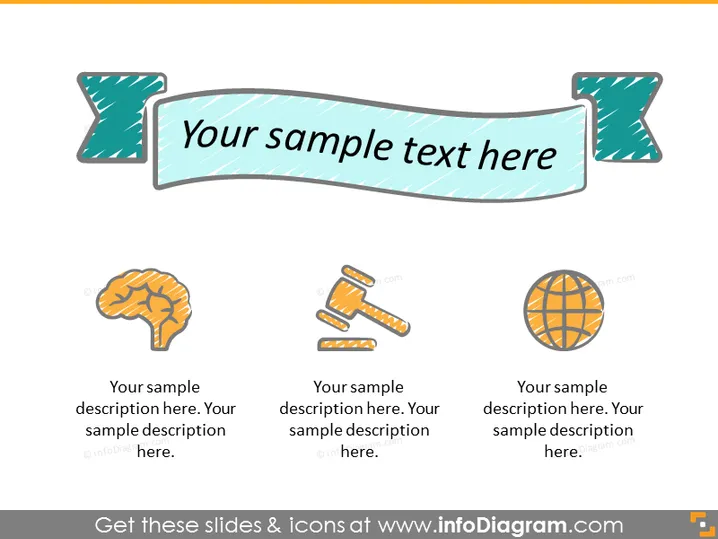
This PowerPoint slide appears to introduce three distinct concepts, each accompanied by an icon and a space for a description. The first concept is represented by a brain icon, suggesting a focus on intelligence, cognition, or learning. The second displays crossed tools, implying construction, repair, or craftsmanship. The third icon features a globe, denoting global reach, international business, or worldwide connectivity. Each icon is followed by text placeholders labeled "Your sample description here."
Graphical Look
- A large, banner-shaped title area with a stylized ribbon appearance and the placeholder text "Your sample text here" set against a light blue background.
- Three icons arranged horizontally, each with a distinct theme: a brain, crossed tools, and a globe.
- Below each icon, there are text placeholders for further explanation of each of the represented concepts.
- The icons and the text are bordered by dotted lines that may symbolize an area where custom content can be placed.
- The overall design is simple with a doodle-like, sketched quality to the icons and the title banner.
The slide has a playful and informal look with hand-drawn elements and light colors. The design is clean, allowing for clear communication of concepts or topics.
Use Cases
- Illustrating concepts in educational presentations, or where metaphors for thinking, building, and global connectivity are relevant.
- Introducing topics in a workshop or seminar, with each icon leading into a different section or module.
- Using as an agenda slide at the start of a corporate meeting to outline key areas for discussion.
- Adapting as an infographic in marketing materials to convey the diverse areas covered by a company's services or products.
How to Edit
How to edit text & colors

How to expand / shorten diagram

How to Replace Icons in infoDiagram PPT


