Reviews
Sus gráficos añaden un toque agradable a mis presentaciones y recientemente los usé para una de mis reuniones generales. Su conjunto de herramientas añade profesionalismo a mis diapositivas. En lugar de usar imágenes prediseñadas estándar.
Necesitaba un aspecto fresco para algunas de mis diapositivas. Había intentado encontrar una forma de crear un efecto de pincel, de subrayar, acentuar, añadir algo de color y los marcadores escritos a mano fueron justo lo que necesitaba. Muy fácil de usar, fácil de ajustar el tamaño, cambiar el color. Fue una solución asequible y perfecta, y estoy feliz de recomendarla.
El aspecto nítido y limpio de los gráficos, y el hecho de que me permitiera editar y cambiar fácilmente los colores para que coincidieran con la plantilla fue mi principal razón para comprarlos.
Description
Resources
Slide Content
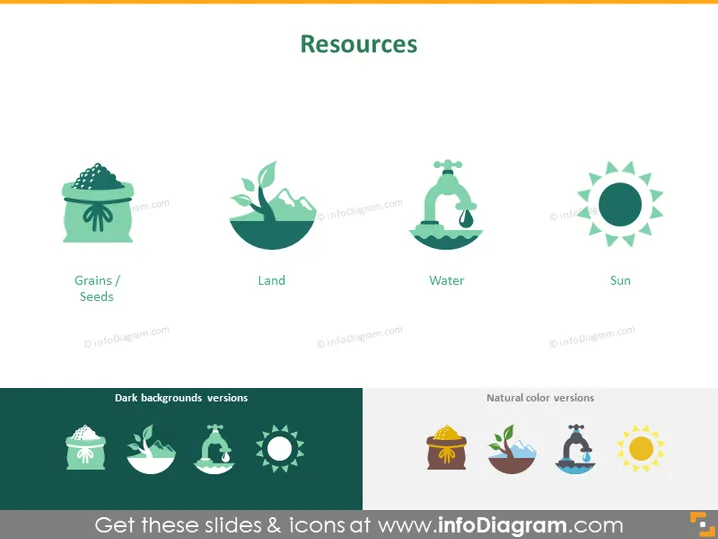
This PowerPoint slide, titled "Resources," visualizes four key natural resources. The icons represent 'Grains/Seeds,' symbolizing agricultural produce or the starting point of food chains; 'Land,' signifying the essential resource for habitats and agriculture; 'Water,' highlighting its role as a vital component for life and ecosystems; and 'Sun,' indicating the source of energy and light that supports life on Earth. Each resource is crucial for sustaining life, with applications in various sectors such as agriculture, environmental management, and education about natural cycles.
Graphical Look
- The slide has a clean and minimalist design with a light background and a color scheme of green, blue, and yellow shades.
- Four evenly spaced icons are each labeled with text below to describe the respective resource: "Grains/Seeds," "Land," "Water," and "Sun."
- Each icon is a stylized representation of the resource it represents, with a simple and modern aesthetic.
- The font used for the title and labels is sans-serif, suggesting a contemporary and professional look.
- There's an additional set of these icons at the bottom with two different backgrounds labeled "Dark backgrounds versions" and "Natural color versions," showing versatility in design application.
The overall look of the slide is professional and visually appealing, with a clear focus on the icons representing the various resources. The use of soft colors and modern icons contributes to the slide's informative and clean aesthetic.
Use Cases
- To introduce the concept of natural resources in an environmental education presentation.
- As part of a business presentation discussing sustainability and the importance of managing natural resources.
- To visually support discussion points in a conference or seminar about agriculture, ecology, or conservation.
- In an academic setting, to facilitate learning about the various essentials for life on Earth and the significance of renewable resources.
How to Edit
How to edit text & colors

How to expand / shorten diagram

How to Replace Icons in infoDiagram PPT


