Reviews
Sus gráficos añaden un toque agradable a mis presentaciones y recientemente los usé para una de mis reuniones generales. Su conjunto de herramientas añade profesionalismo a mis diapositivas. En lugar de usar imágenes prediseñadas estándar.
Necesitaba un aspecto fresco para algunas de mis diapositivas. Había intentado encontrar una forma de crear un efecto de pincel, de subrayar, acentuar, añadir algo de color y los marcadores escritos a mano fueron justo lo que necesitaba. Muy fácil de usar, fácil de ajustar el tamaño, cambiar el color. Fue una solución asequible y perfecta, y estoy feliz de recomendarla.
El aspecto nítido y limpio de los gráficos, y el hecho de que me permitiera editar y cambiar fácilmente los colores para que coincidieran con la plantilla fue mi principal razón para comprarlos.
Description
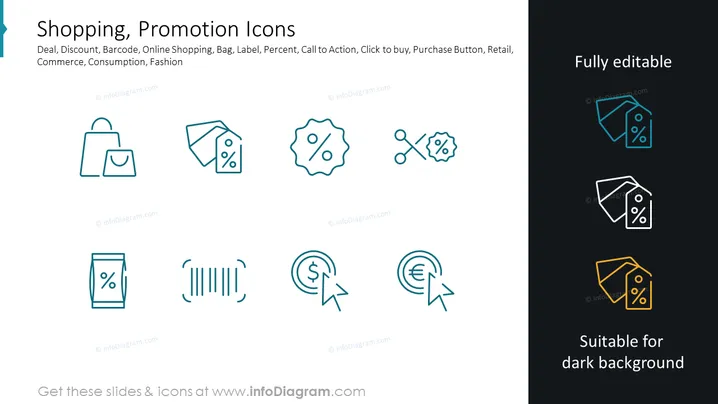
Shopping, Promotion Icons
Slide Content: The PowerPoint slide titled "Shopping, Promotion Icons" displays a collection of icons related to retail and e-commerce. These include symbols for a shopping bag, a price tag with a percentage (indicating a sale or discount), a price tag with scissors (implying a coupon or special offer), a barcode (representing product identification), circular arrows around a dollar and a euro sign (suggesting currency exchange or financial transactions), and icons depicting a mobile device and percentage (representing online deals or mobile discounts). Each icon serves to visually represent various aspects of the shopping experience, promotions, and financial transactions related to commerce.
Graphical Look:
- The slide background is white with a dark teal header band to the left side.
- A total of eight icons are evenly distributed across the slide in two rows of four.
- Each icon is lined and stylized in a consistent, minimalistic fashion, using a single teal color.
- The icons on the right are duplicated, showing how they would appear on a dark background with white and yellow outlines.
- There is a text block to the right titled "Fully editable" with a contrasting dark background.
- A matching text block at the bottom right states "Suitable for dark background."
The slide is clean and modern with a minimalist design, using consistent iconography to communicate the concepts clearly. The use of color is limited but effective in highlighting the icons against the white background.
Use Cases:
- For highlighting special features in an e-commerce platform presentation.
- To visually enhance marketing materials explaining various sales promotions and discounts.
- In training materials to help employees understand symbols associated with retail operations.
- Within pitch decks to investors where visualizing the components of a retail-focused business model is crucial.
How to Edit
How to edit text & colors

How to expand / shorten diagram

How to Replace Icons in infoDiagram PPT


