Reviews
Ihre Grafiken verleihen meinen Präsentationen eine nette Note, und ich habe sie kürzlich für eines meiner All-Hands-Meetings verwendet. Ihre Toolbox verleiht meinen Folien Professionalität, anstatt Standard-Clipart zu verwenden.
Ich brauchte einen neuen Blick auf einige meiner Folien. Ich habe versucht, einen Weg zu finden, einen Pinselschlag-Effekt zu erzielen, um zu unterstreichen, hervorzuheben, Farbe hinzuzufügen, und die handgeschriebenen Markierungen waren genau das Richtige. Sehr einfach zu bedienen, leicht in der Größe zu ändern, die Farbe zu ändern. Es war eine erschwingliche, perfekte Lösung und ich empfehle sie gerne weiter.
Die klare, saubere Optik der Grafiken und die Tatsache, dass ich die Farben leicht bearbeiten und an die Vorlage anpassen konnte, war mein Hauptgrund für den Kauf.
Description
Slide Title
Text + picture
Slide Content
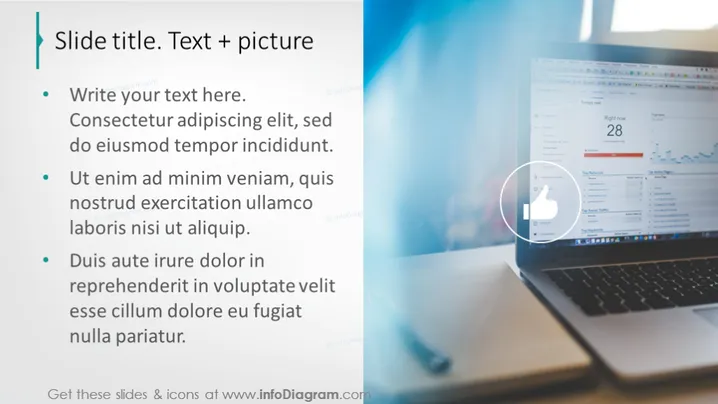
The slide presents a list of bulleted text points, each elaborating on different aspects of a certain topic. The first bullet point invites the audience to add their text, possibly as an introductory statement. The following points seem to discuss principles or steps related to a process, emphasizing action phrases like "Ut enim ad minim veniam" and "Duis aute irure dolor," which, although in Latin, suggest sections for detailed content or strategic information.
Graphical Look
- The slide is divided into two main sections with a vertical split; the left side contains text, while the right side displays a blurred background image.
- A thick teal-colored vertical bar is situated on the left border of the slide, aligning with the left edge of the text section.
- The text section contains a title in bold, capitalized letters, indicating the content type: "Text + picture."
- Bullet points are used to structure the textual information, adhering to the commonly used format for clear points in presentations.
- The right side features a circular, zoomed-in callout with an icon of a thumbs-up, which is placed over the blurred image of a laptop displaying graphs, possibly indicating positive results or agreement with the content.
- Each section of text and the image displays a subtle watermark symbol in the background, suggesting template origin.
The slide is visually balanced, using a clean and professional design. It employs a clear contrast between text and imagery to convey a focused message while drawing attention to specific details.
Use Cases
- This style of slide can be used in professional business presentations to outline key points for discussion.
- It serves well for educational settings where a concept alongside a visual representation is necessary.
- Ideal for marketing or project pitch meetings to highlight features or benefits, with the right side reserved for graphic evidence of success or endorsements.
- Can be effective in webinar presentations for online audiences, visually separating textual from pictorial information.
How to Edit
How to edit text & colors

How to expand / shorten diagram

How to Replace Icons in infoDiagram PPT


