Reviews
Your graphics add a nice touch to my presentations and I recently used them for one of my all-hands meetings. Your toolbox adds professionalism to my slides. Instead of using standard clipart.
I needed a fresh look at some of my slides. I've tried to find a way to create a paintbrush effect, to underline, accentuate, add some color and the handwritten markers were just the things. Very easy to use, easy to size, change the color. It was an affordable, perfect solution and I'm happy to recommend it.
The crisp, clean look of the graphics, and the fact that it allowed me to easily edit and change the colors to match the template was my main reason for purchasing them.
Description
Slide Content
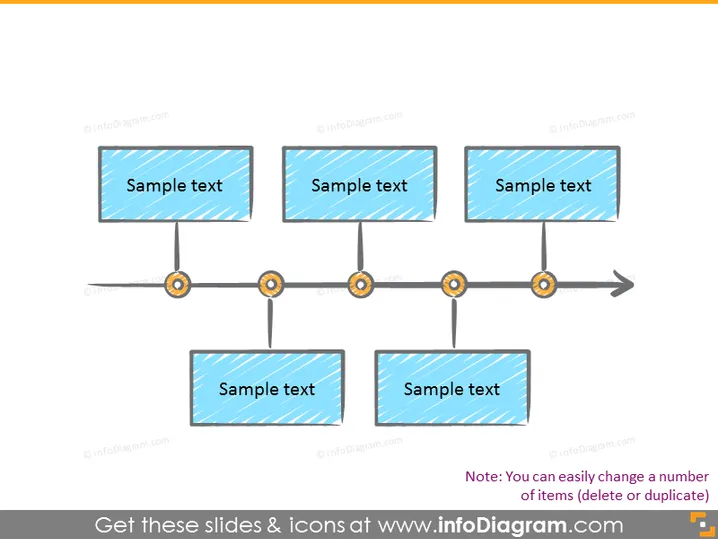
The PowerPoint slide presents a process timeline or a sequence of events with four stages. Each stage is represented by a rectangular box containing "Sample text," suggesting that these placeholders are meant to be replaced by specific content relevant to the user's presentation. This format can effectively communicate a linear progression or time-based steps in various contexts.
Graphical Look
- Four rectangular shapes with a light blue fill and diagonal line pattern, each containing the placeholder "Sample text."
- A thin, dark line connecting the rectangles which acts as a timeline.
- Circular elements with a gear-like design intersecting the timeline at points beneath each rectangle, symbolizing progression or operational steps in the process.
- A rightward-pointing arrow at the end of the timeline, indicating forward movement or continuation.
- The overall slide background is plain white.
- All graphical elements cast a subtle shadow, giving them a lifted, three-dimensional appearance.
The slide has a clean and professional look with a simple color scheme that emphasizes the timeline concept. Visual elements such as the gear icons and the connecting line make it easy to follow the process flow.
Use Cases
- Outlining the steps of a project plan in a business presentation to show progression from one phase to another.
- Illustrating the stages of product development, including concept, design, testing, and launch.
- Highlighting milestones in a company's history during corporate presentations or anniversaries.
- Demonstrating a timeline for process improvement or implementation strategies during team meetings or workshops.
How to Edit
How to edit text & colors

How to expand / shorten diagram

How to Replace Icons in infoDiagram PPT


