

Your graphics add a nice touch to my presentations and I recently used them for one of my all-hands meetings. Your toolbox adds professionalism to my slides. Instead of using standard clipart.
Claude Jones, Director of Engineer, @Walmartlabs, USA

Your graphics add a nice touch to my presentations and I recently used them for one of my all-hands meetings. Your toolbox adds professionalism to my slides. Instead of using standard clipart.
Claude Jones, Director of Engineer, @Walmartlabs, USA
I needed a fresh look at some of my slides. I've tried to find a way to create a paintbrush effect, to underline, accentuate, add some color and the handwritten markers were just the things. Very easy to use, easy to size, change the color. It was an affordable, perfect solution and I'm happy to recommend it.
Anonymous, US
The crisp, clean look of the graphics, and the fact that it allowed me to easily edit and change the colors to match the template was my main reason for purchasing them.
Brandie Jenkins, E-learning Developer, USA
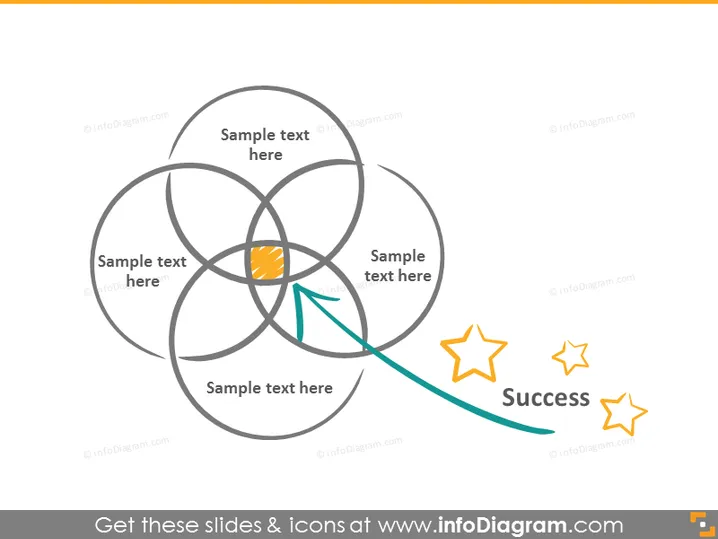
The PowerPoint slide appears to represent a concept of interconnected elements leading to success. It features a central Flower of Life-like diagram with six overlapping circles creating a symmetrical pattern. Each intersection is labeled with "Sample text here", suggesting placeholders for user-provided content. The orange intersection implies a core idea or outcome, which is connected by a green swoosh to two stars next to the word "Success", indicating the culmination or goal of the diagram's concept.
The slide has a clean and modern appearance, with a balanced use of color and simple shapes to convey a process or progression towards a goal. The icons and text placeholders are arranged in a visually appealing and easy-to-understand layout.



