

Your graphics add a nice touch to my presentations and I recently used them for one of my all-hands meetings. Your toolbox adds professionalism to my slides. Instead of using standard clipart.
Claude Jones, Director of Engineer, @Walmartlabs, USA

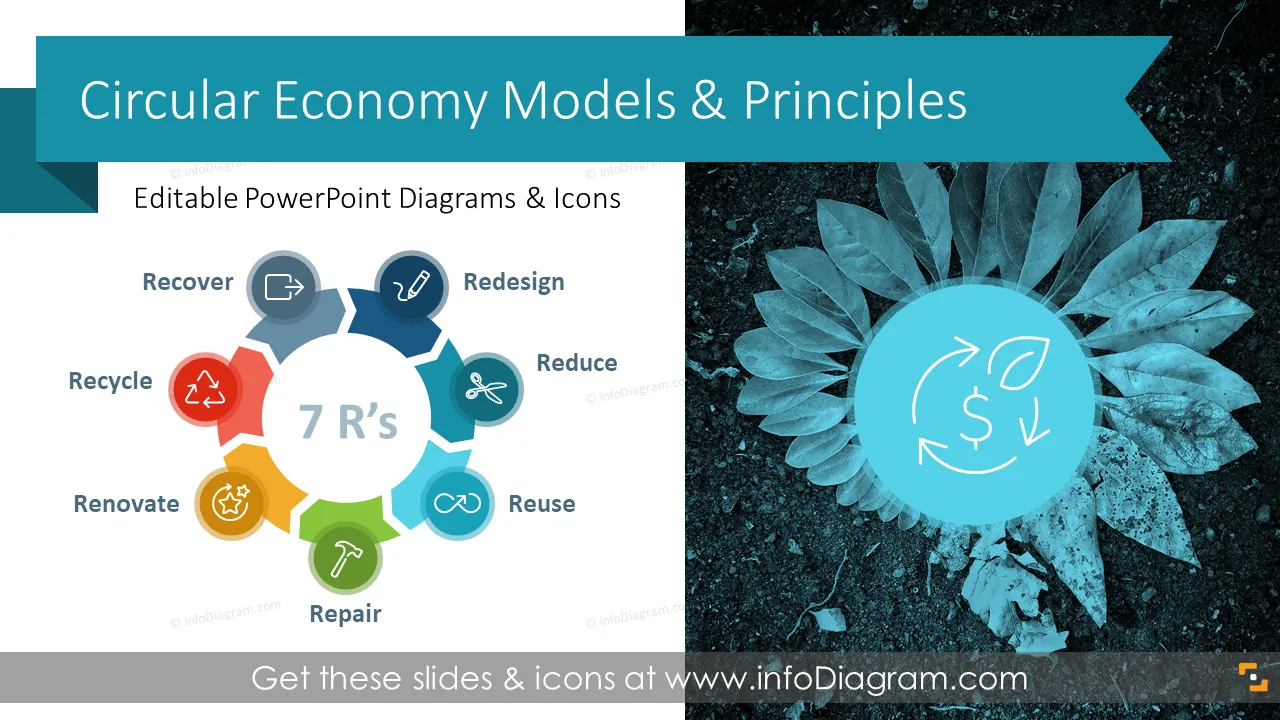
Before and after
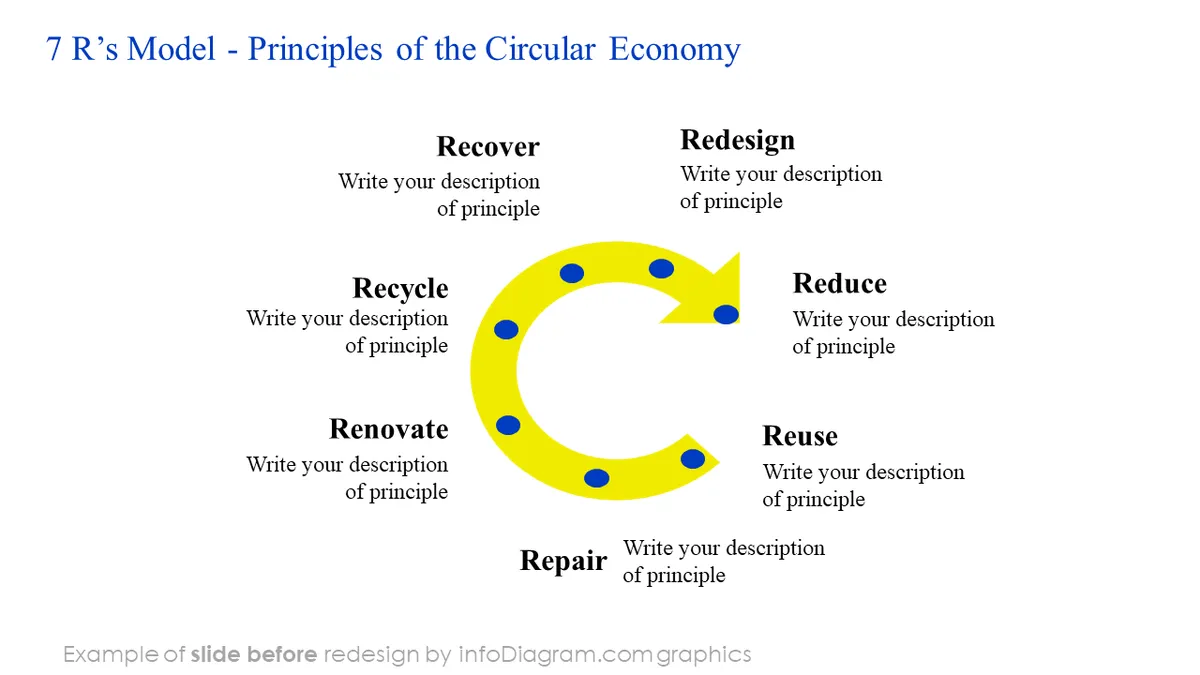
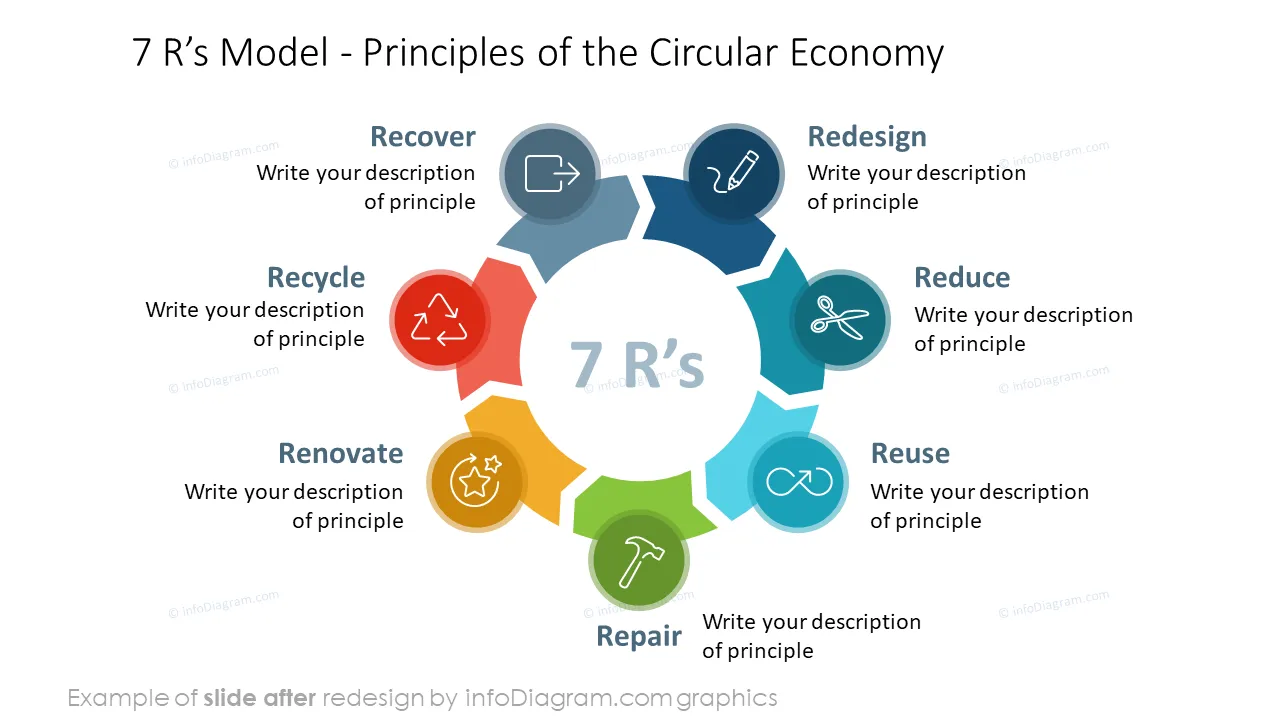
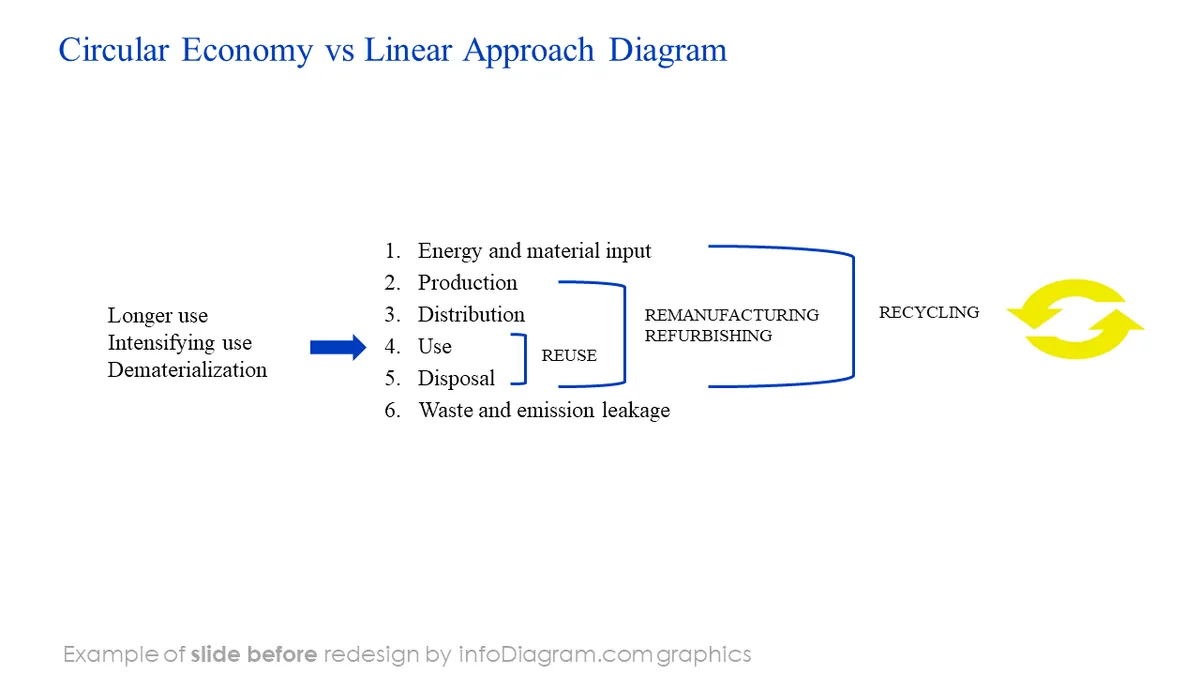
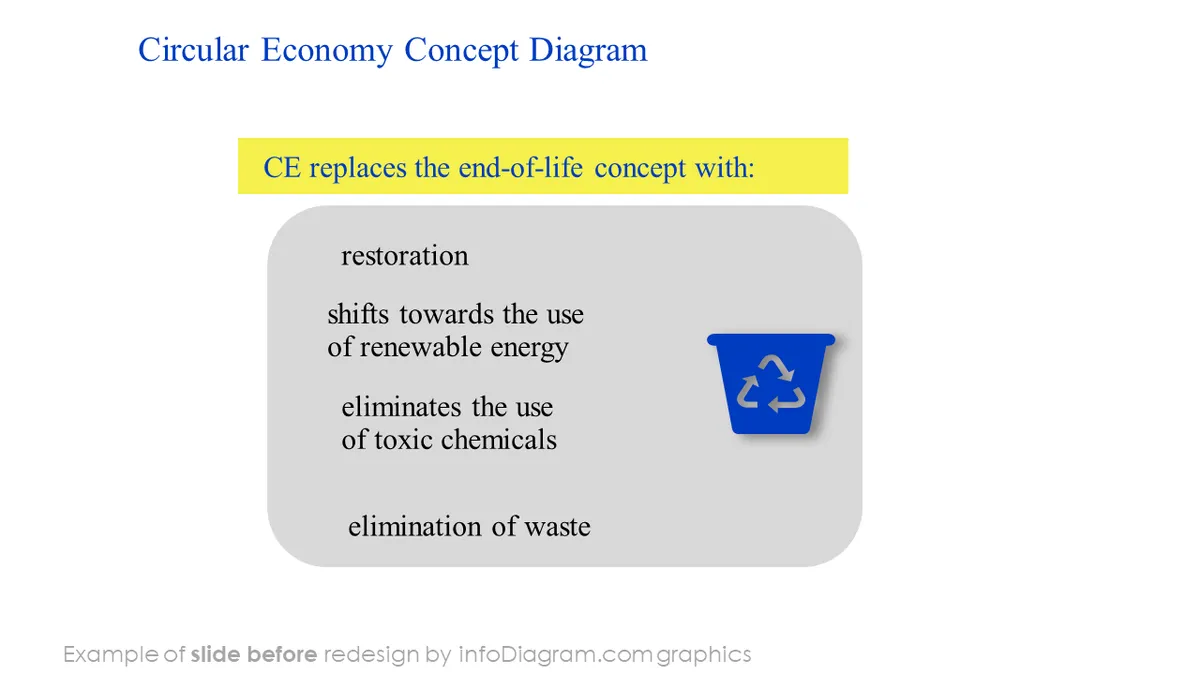
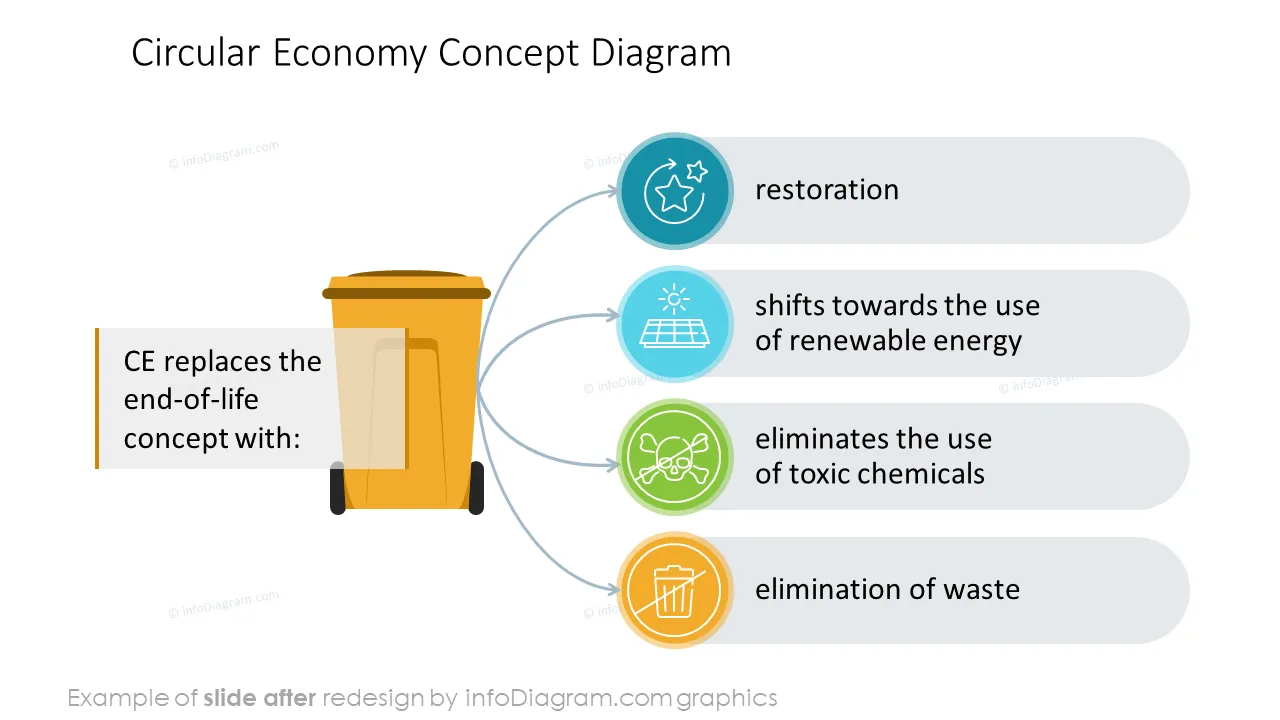
Do you need to present the essence of the circular economy and principles of the sustainable development model? Consider using a visual way of explaining circular concepts.
We have designed a circular economy PowerPoint template with editable diagrams to help you present those green economy frameworks.
If you are working in an NGO or educational institution, let us know. We will gladly share this free of charge.
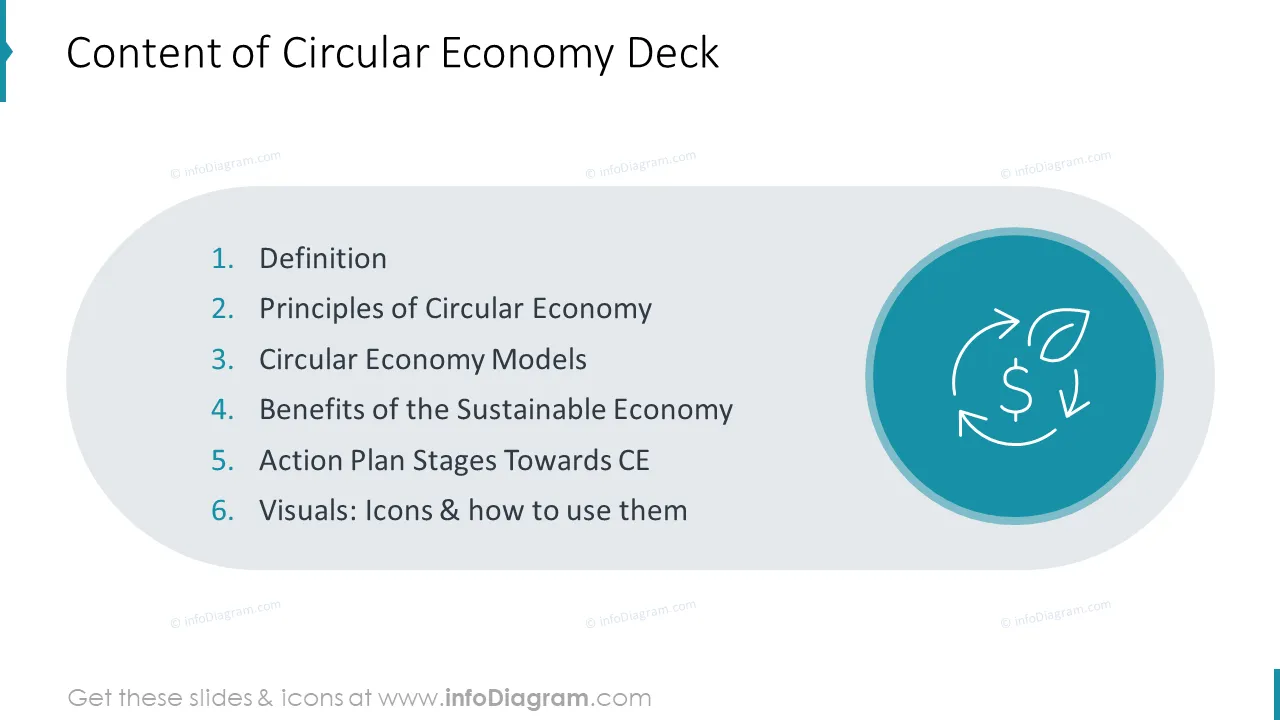
This Circular economy and sustainability PowerPoint template contains:
Format: fully editable vector shapes (modify colors of diagrams and icons, resize without quality loss).
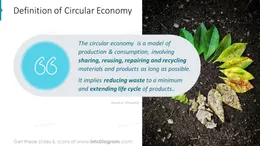
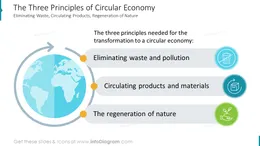
The circular economy is a model of production and consumption involving sharing, reusing, repairing, and recycling materials and products for as long as possible. This model implies reducing waste to a minimum and extending the life cycle of products.
Unlike the linear economy, this circular system is more sustainable, restorative, or regenerative. Theoretically, nothing that is made in a circular economy becomes waste.
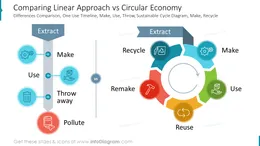
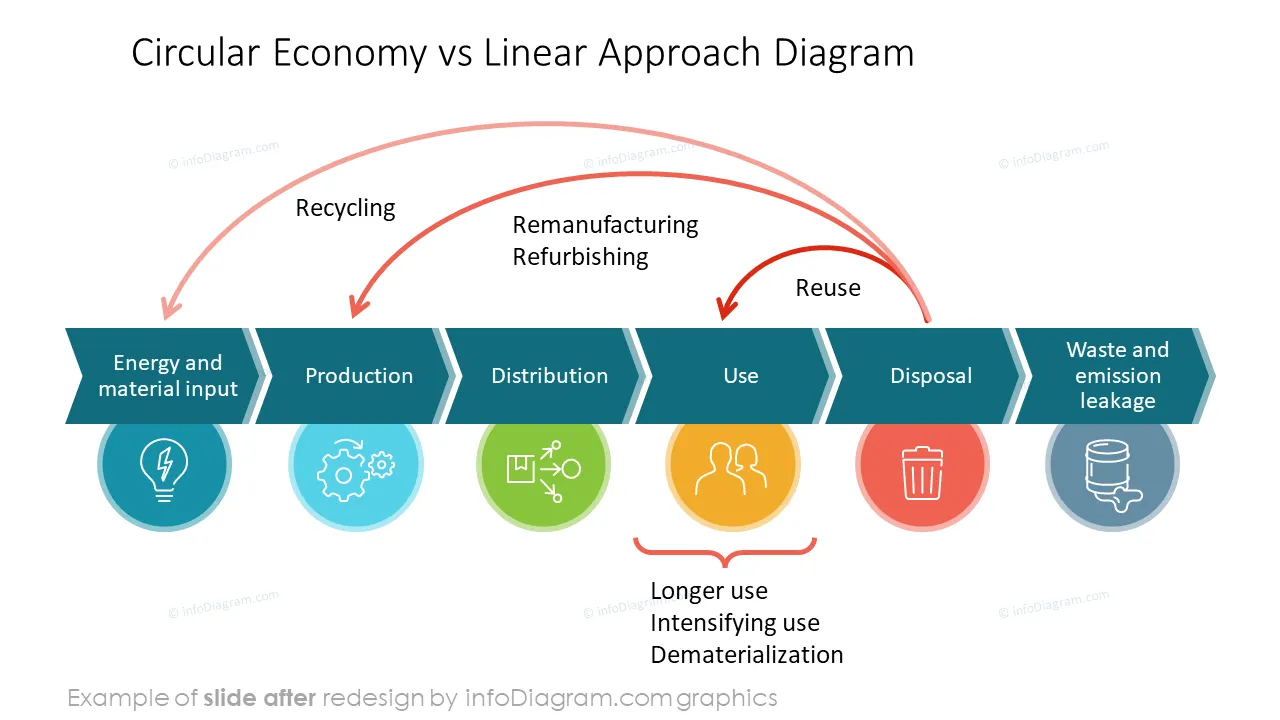
You can clearly show the visual difference between circular versus linear economies using diagrams. In the linear economy, everything finishes in waste after product manufacturing and use.
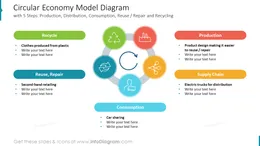
In the circular economy flow of goods, the waste is minimal, as the system is focused on reusing and recycling materials as much as possible.
Flow chart diagrams can clearly present these two flows - linear timeline or cycle diagram loop.
The circular economy and sustainability diagrams can be used in a broad spectrum of contexts, such as: Presenting circular economy benefits to the stakeholders
Try using these PowerPoint illustrations to present your content visually in a professional way.
All graphics are editable so that you can modify the colors and text. We also added a general icon collection at the end of the presentation deck. You can also extend the collection with more PPT symbols (see Related Diagrams section).
Fully editable in PowerPoint set of vector shapes fully editable with built-in PowerPoint tools, including
Your graphics add a nice touch to my presentations and I recently used them for one of my all-hands meetings. Your toolbox adds professionalism to my slides. Instead of using standard clipart.
Claude Jones, Director of Engineer, @Walmartlabs, USA
I needed a fresh look at some of my slides. I've tried to find a way to create a paintbrush effect, to underline, accentuate, add some color and the handwritten markers were just the things. Very easy to use, easy to size, change the color. It was an affordable, perfect solution and I'm happy to recommend it.
Anonymous, US
The crisp, clean look of the graphics, and the fact that it allowed me to easily edit and change the colors to match the template was my main reason for purchasing them.
Brandie Jenkins, E-learning Developer, USA



You may also need