

Your graphics add a nice touch to my presentations and I recently used them for one of my all-hands meetings. Your toolbox adds professionalism to my slides. Instead of using standard clipart.
Claude Jones, Director of Engineer, @Walmartlabs, USA

Your graphics add a nice touch to my presentations and I recently used them for one of my all-hands meetings. Your toolbox adds professionalism to my slides. Instead of using standard clipart.
Claude Jones, Director of Engineer, @Walmartlabs, USA
I needed a fresh look at some of my slides. I've tried to find a way to create a paintbrush effect, to underline, accentuate, add some color and the handwritten markers were just the things. Very easy to use, easy to size, change the color. It was an affordable, perfect solution and I'm happy to recommend it.
Anonymous, US
The crisp, clean look of the graphics, and the fact that it allowed me to easily edit and change the colors to match the template was my main reason for purchasing them.
Brandie Jenkins, E-learning Developer, USA
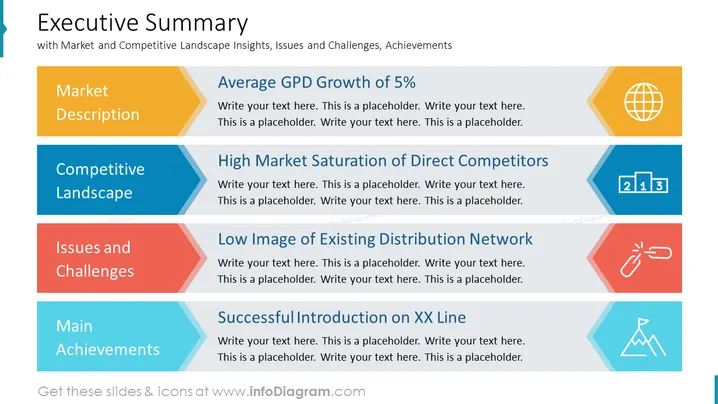
This is an executive summary slide, with strategic goals and targets overview, and budget assumptions for the future period.
Such a general slide with an executive summary will help to see the broad view and give an entire perspective to your audience. List the common key indicators such as Market Description and Competitive Landscape Insights, Issues and Challenges, and Main Achievements.
You can use arrow shapes to present each item in your executive summary slide. Each point is illustrated by a related icon e.g. market description by globe symbol and achievement by peak icon.
Infographic Table, Editable Text Blocks, Colorful Arrow Shaped Ribbon Banners, Globe Icon, Competition Icon, Chain Link Icon, Peak Icon, Conquer Icon, Outline Flat Icon, Editable Vector Icons



