Reviews
Your graphics add a nice touch to my presentations and I recently used them for one of my all-hands meetings. Your toolbox adds professionalism to my slides. Instead of using standard clipart.
I needed a fresh look at some of my slides. I've tried to find a way to create a paintbrush effect, to underline, accentuate, add some color and the handwritten markers were just the things. Very easy to use, easy to size, change the color. It was an affordable, perfect solution and I'm happy to recommend it.
The crisp, clean look of the graphics, and the fact that it allowed me to easily edit and change the colors to match the template was my main reason for purchasing them.
Description
Job Position Match Summary
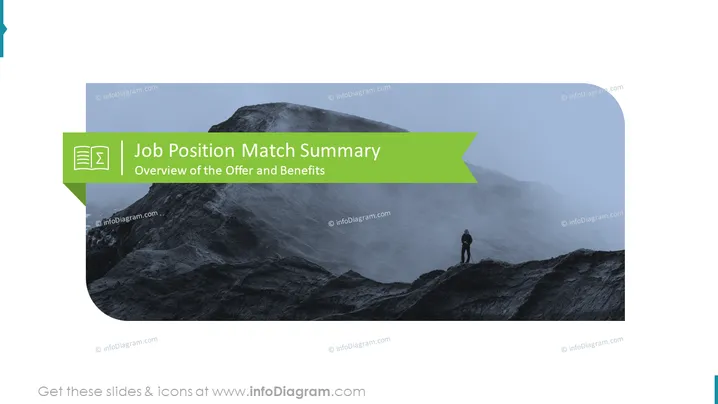
Slide Content: The slide is titled "Job Position Match Summary" and provides an "Overview of the Offer and Benefits" pertaining to a job position. This type of slide would often be used in a hiring or human resources context where the details of a job offer, including the role’s responsibilities and associated benefits, are summarized for potential candidates or during internal reviews.
Graphical Look:
- The slide background features an image of a misty mountain terrain with a person standing at a higher elevation, appearing small against the vast landscape.
- A banner at the top with a dark green color contains the slide's title.
- Just below the banner, the subtitle "Overview of the Offer and Benefits" is presented in lighter text.
- On the left side of the slide, there’s a green tab with a white icon, representing a document, which correlates to the content theme of job position details.
The overall look of the slide gives a sense of perspective and challenge, symbolized by the mountain and the lone figure on it. The design is professional with minimalistic use of color and text to direct focus to the topic.
Use Cases:
- During a recruitment presentation to provide a clear and concise summary of what the job entails and the benefits provided.
- In internal human resources meetings when discussing new roles or reviewing existing position structures.
- At career fairs or informational sessions where organizations present opportunities to potential applicants.
- During onboarding sessions to give new employees an overview of their job position and associated benefits.
How to Edit
How to edit text & colors

How to expand / shorten diagram

How to Replace Icons in infoDiagram PPT


